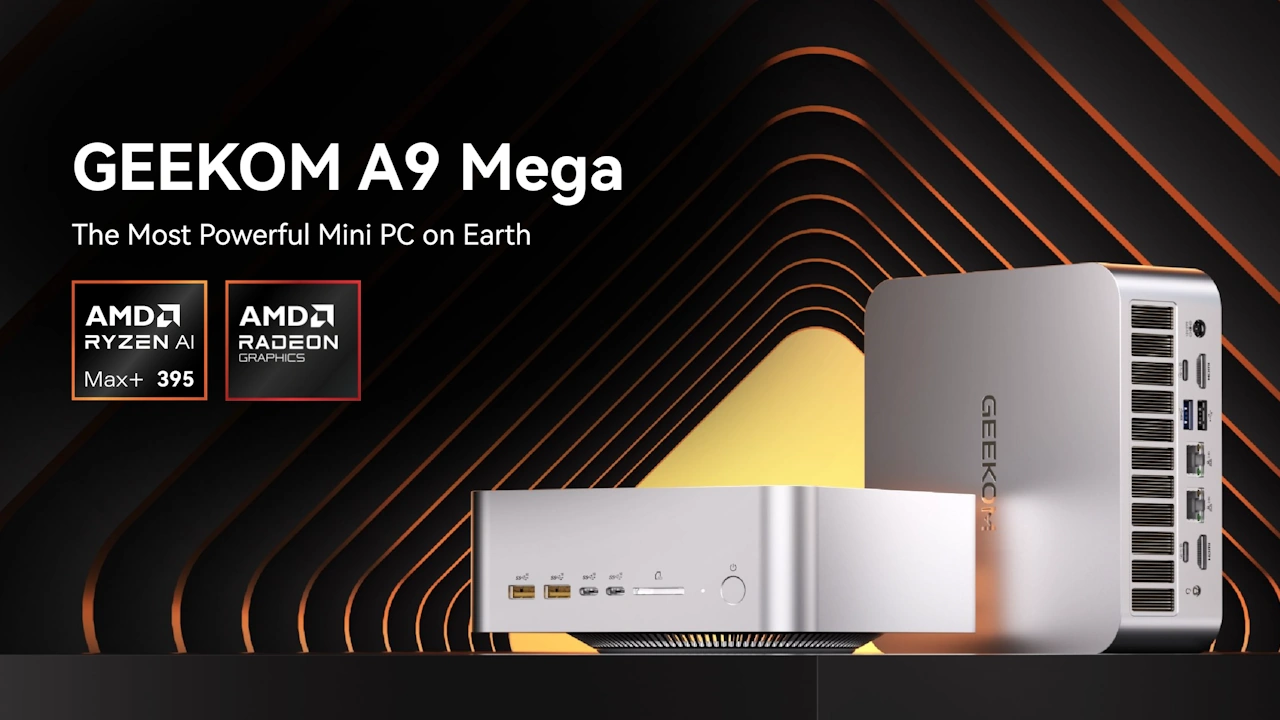
The new GEEKOM A9 Mega mini PC is a machine designed for the most demanding users, featuring the AMD Ryzen AI Max 395 processor and top-tier specifications.
This sleek machine from GEEKOM features a unibody aluminum chassis with a bottom panel designed to draw air into its dual-fan cooling system. At its core is the AMD Ryzen AI Max 395 processor, a 16-core, 32-thread chip that reaches up to 5.1 GHz and includes an AI core with 50 TOPS of processing power. For graphics, it features a high-performance solution: the Radeon 8060S GPU with 40 cores, operating at up to 2.9 GHz.
This machine can serve as a small workstation; its immense computing power allows it to handle an infinite number of calculations. All of this comes at a price, of course, and it’s anything but cheap.
GEEKOM A9 Mega Specifications
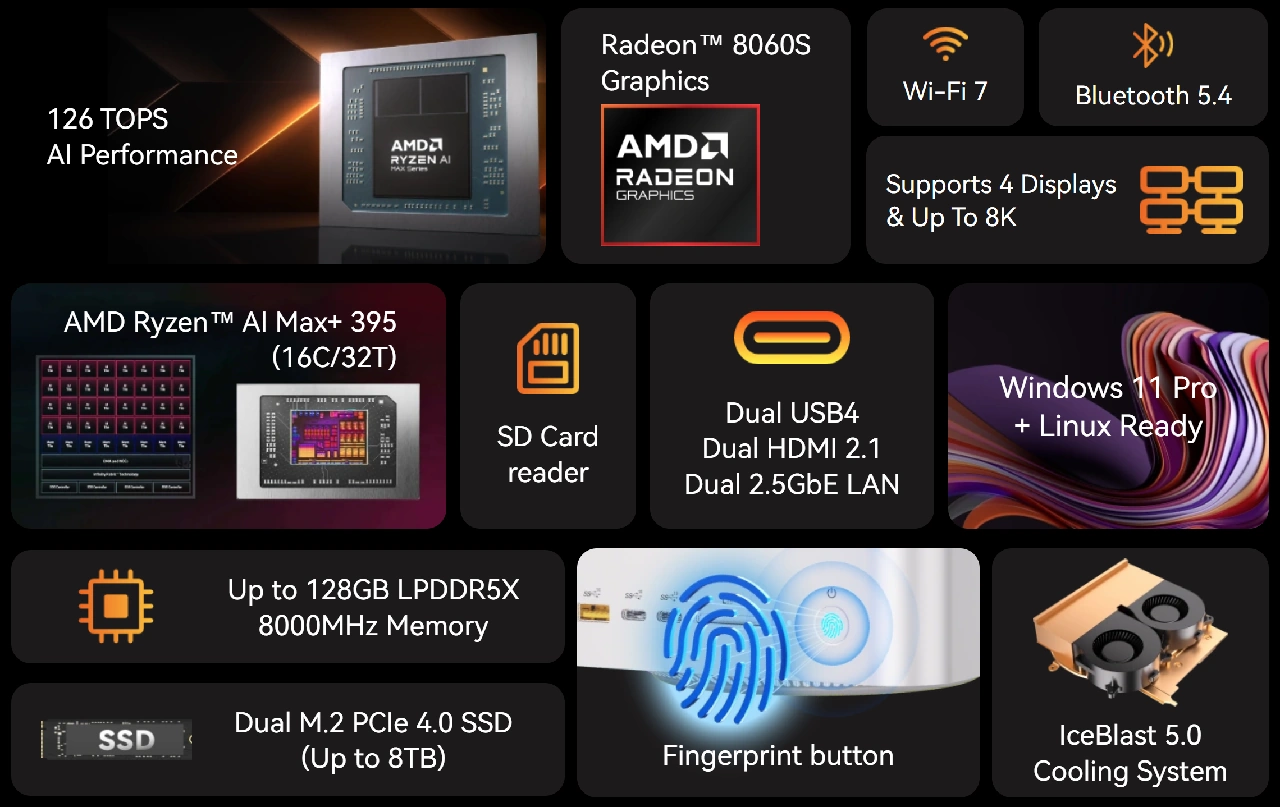
The AMD Ryzen AI Max 395 processor, manufactured using efficient 4 nm technology, powers this computer. This is a 16-core, 32-thread chip with Zen 5 technology that reaches speeds of up to 5.1 GHz and incorporates a 50 TOPS AI core for artificial intelligence tasks, reaching 126 TOPS when combined with the CPU. For graphics, it features the powerful 40-core Radeon 8060S iGPU, which runs at a speed of 2.9 GHz.
The RAM is soldered to the motherboard and consists of 128 GB of 8000 MHz LPDDR5 in an octa-channel configuration, which provides speed to the integrated GPU. For storage, there are two slots for M.2 2280 NVMe PCIe 4.0×4 SSDs, one of which comes with a 2 TB drive installed by default.
Connectivity and other features
For wireless connectivity, it features a Wi-Fi 7 and Bluetooth 5.4 adapter. Among its extensive array of ports, you’ll find a 3.5 mm jack, an SD card slot, multiple USB-A 3.2 ports, two USB4 ports for an external GPU, a USB-A 2.0 port, a DC port, and two 2.5 Gb Ethernet connectors. For video output, you can use two HDMI 2.1 FRL ports with 8K@60 HDR support. In total, you can connect up to four displays simultaneously when including the USB4 ports.
On the front of the mini PC, there is a fingerprint reader, which allows you to log into Windows without needing a traditional password. You can also install Linux if that better suits your needs.
Black Friday sale price
- The new GEEKOM A9 Mega mini PC is available on sale at Geekom and Amazon for $3,199, a price that undoubtedly limits its appeal to enthusiasts or professionals.