Custom firmware for the popular MAGCUBIC HY300, HY320, and L018 Android projectors, featuring improvements and security updates.
Thanks to Reddit user Marcal, we now have these custom firmware versions available for our projectors. With this software, we get a bloatware-free system, a better user experience with the Projectivy Launcher, and Magisk installed by default. These projectors are powered by the Allwinner H713 processor. The native resolution of this projector is HD at 1280 x 720 pixels. It runs Android 11, and we can play any type of video file without issues. These are truly affordable projectors with specifications that include Wi-Fi + Bluetooth, access to the app store, and a remote control. For more information, check out our review of one of these projectors.
- The MAGCUBIC HY300 can be purchased on AliExpress or Amazon from only $35 with free shipping.
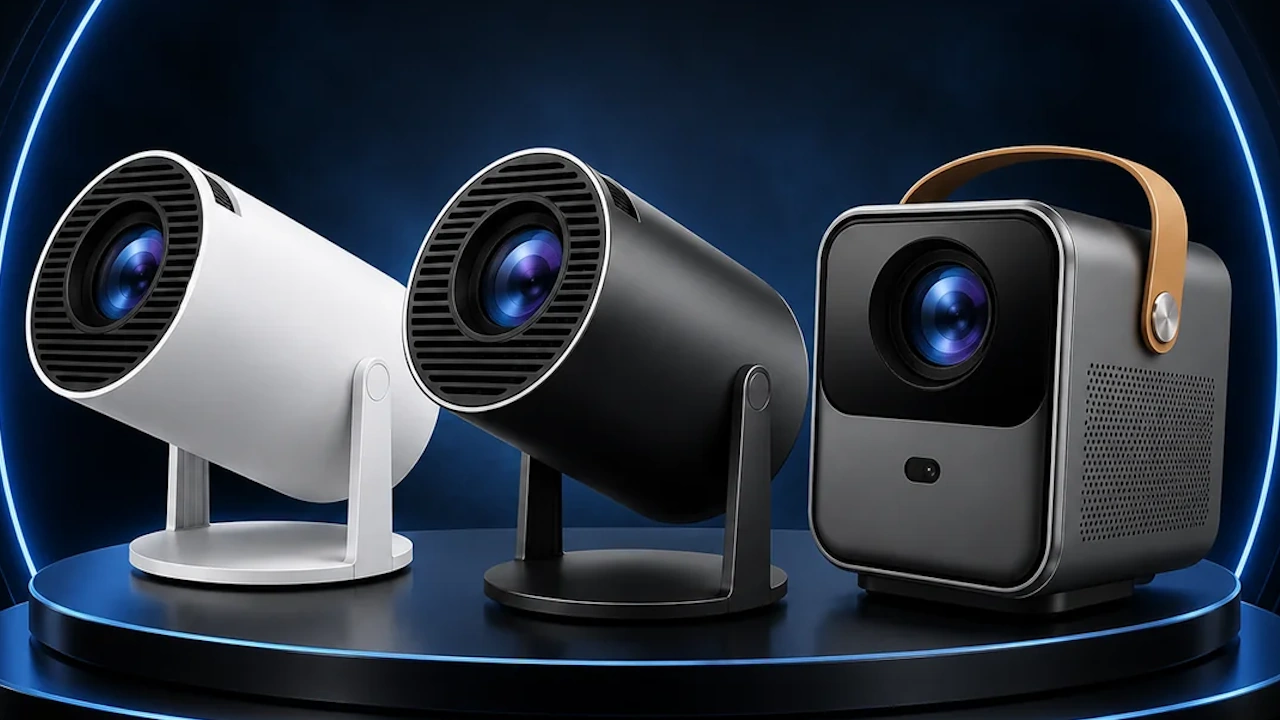
Download Firmware for MAGCUBIC HY300, HY320, and L018
- Firmware for MAGCUBIC HY300 / Mirror
- Firmware for MAGCUBIC HY320 / Mirror
- Firmware for MAGCUBIC L018 / Mirror
Update Process
- Use a paperclip to hold down the flash button above the HDMI port.
- Connect the projector to a PC using a USB-A to USB-A cable.
- Plug in the power cable.
- The flashing program in the manual will detect the projector, and you can then flash the firmware.
- Download the flashing software from our Allwinner H713 SoC Update Guide
Changelog
- Bloatware has been removed
- Projectivy Launcher is now the default launcher
- Magisk is preinstalled (installation should complete after the first boot)
- Added: MixPlorer / TizenTube
- The boot logo has been replaced with a custom Android TV boot logo