Firmware to restore the Magcubic HY300 Pro projector, a device available in several versions; in this case, we’ll be dealing with the one equipped with the Allwinner H713 SoC.
The HY300 Pro projector features LCD technology, a native HD 720p resolution of 1280 x 720 pixels, a contrast ratio of 1:1500, and a brightness of 200 ANSI lumens. This projector is powered by the Allwinner H713 SoC, a chip that includes four ARM Cortex-A53 processors capable of reaching 1.9 GHz and an ARM Mali-G31 MP2 GPU with support for HDR10 video and MEMC. It also includes 1 GB of DDR4 RAM, 8 GB of storage, dual-band Wi-Fi 5, and Bluetooth 5.0.
- The HY300 Pro Android projector is available on AliExpress starting at just $19.
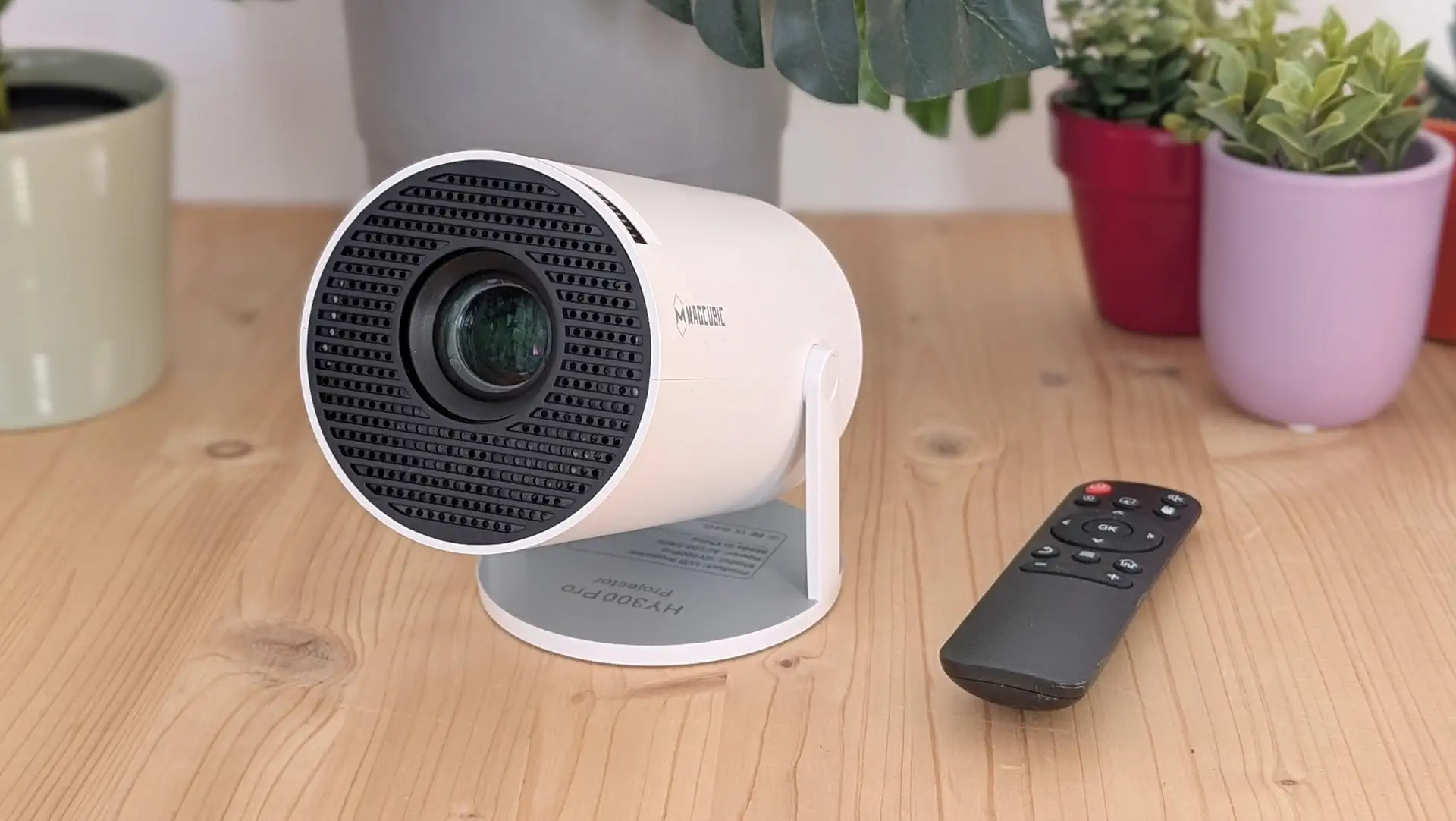
Firmware for Magcubic HY300 Pro
- Download the firmware/ROM for the HY300 Pro projector with the Allwinner H713 SoC.
- Update the firmware by following our Allwinner H713 Processor Update Guide.
Update Process
- Use a paperclip to hold down the flash button above the HDMI port.
- Connect the projector to a PC using a USB-A to USB-A cable.
- Plug in the power cable.
- The flashing program in the manual will detect the projector, and you’ll be able to flash the firmware.
List of Changes
- Added root access.