Android 14 firmware to update the RockTek GB1 certified Android TV box, which uses a Realtek RTD1315C quad-core processor with support for Dolby Vision and Dolby Atmos.
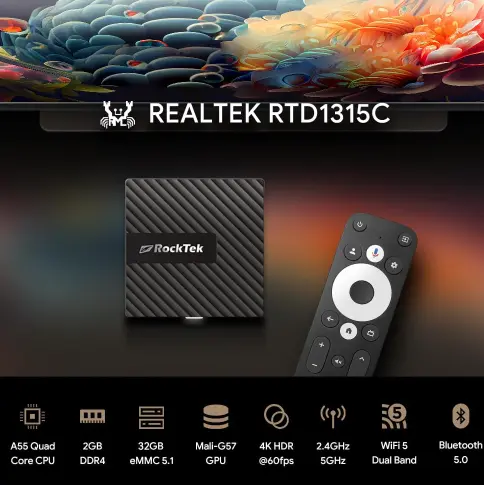 The Realtek quad-core chip inside this TV box is a solid choice, thanks to its four ARM Cortex-A55 processors and ARM Mali-G57 GPU. It comes with 2 GB of DDR4 RAM and 16 GB of storage.
In terms of wireless connectivity, this RockTek model features Wi-Fi 5 and Bluetooth 5.0. The included ports consist solely of a USB-C port and an HDMI 2.1 video output capable of outputting video at resolutions up to 8K. If you’d like more details about the RockTek GB1, you can read our full review, which gave it positive ratings.
- The RockTek GB1 Android Box with the Realtek RTD1315C SoC is available for purchase on Amazon and AliExpress.
Firmware Installation Process for the RockTek GB1
- Download the firmware/ROM with Android 14 for the RockTek GB1 box with the Realtek RTD1315C SoC.
- Install the firmware by copying the files to the root directory of the internal storage, then update via the “System Update” or “Local Update ” option in the settings menu, and finally perform a factory reset.
Changelog
- Not available.