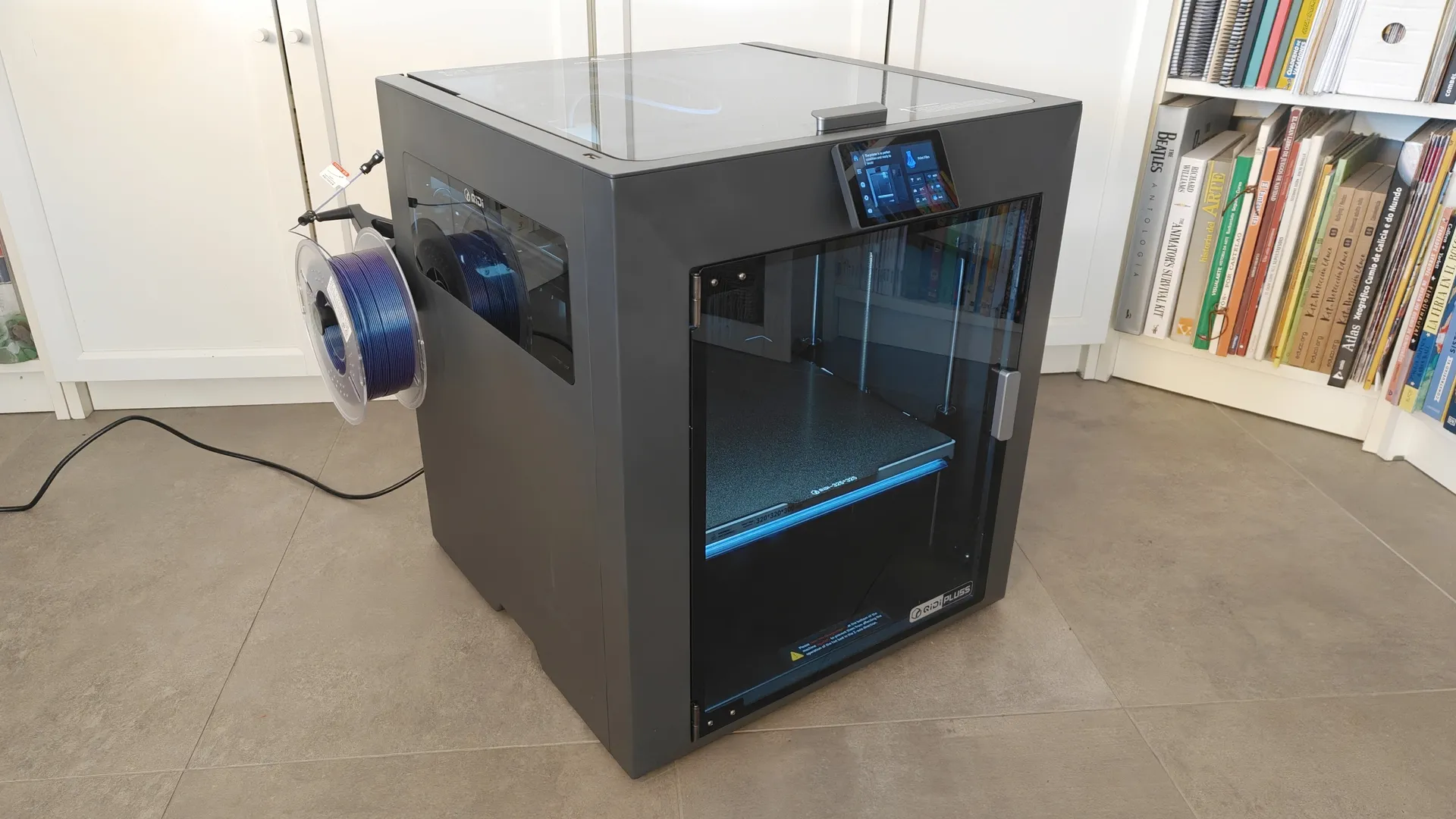
Today we’re featuring the new QIDI Plus5 3D printer in our review. It’s a high-performance system at an affordable price that lets you print any material at home.
This QIDI Plus5 CoreXY printer offers a build volume of 320 x 320 x 300 mm, allowing you to print fairly large parts without taking over your entire home. It’s also compatible with multi-filament systems like the QIDI BOX and the Polar Cooler add-on cooling system for working with PLA. Thanks to its efficient temperature control inside the chamber, it allows you to use a wide range of materials.
In the following review, we explain its features and how to use it without any complications. If you want to learn more about this type of machine, you can read our Guide to Filament 3D Printers.
- The QIDI Plus5 is available from QIDI starting at €749, and the Combo option for multifilament with QIDI BOX starts at €899.
- Check out QIDI’s offers for loyal and new members.
Technical Specifications
QIDI Plus5
- Build size: 320 x 320 x 300 mm / Core XY format
- Supported filaments: PLA/ABS/ASA/PETG/TPU/PA/PC/CF/GF/PPS-CF
- Features: Resume printing / Filament sensor / AI-powered FHD webcam / Anti-backlash Z-axis nuts
- Print speed: 600 mm/s max / 20 m/s² acceleration
- Drive system: 2x Z-axis servos / 1x XY-axis servo / X-axis linear guide / YZ-axis 10mm guide rods / 1.5GT belts
- Nozzle diameter: 0.4 mm (0.2, 0.6, and 0.8 mm optional) / 1.75 mm filament
- Nozzle: Temperature 370 °C / Bimetal / Metal gears
- Heating: Bed 120 °C / Chamber 65 °C / 3x PWM fans / 3x filters
- Leveling: Load sensors / Resonance
- Display: 4″ capacitive touchscreen / 480×320
- Print bed: Double-sided magnetic steel sheet / Load sensor
- Connectivity: USB-A / Ethernet / 2.4 GHz Wi-Fi
- Camera and lighting: 1080p webcam / Front LED strip
- Heating: Chamber 150 W – 550 W / Build Plate 500 W / Polar Cooler (optional)
- Dimensions: 500 x 488 x 558 mm / 29 kg
- Software: QIDI Studio / QIDI Link / Optional Orca, Prusa Slicer…
Assembly, Adjustment, and Connection
Thanks to its Core XY design, setting up the new QIDI Plus5 is very simple. The enclosure features a very sturdy metal and plastic frame. It has sliding glass panels on the front, sides, and top for ventilation when printing with PLA or similar filaments.
Unboxing and Assembly
The new QIDI Plus5 arrives perfectly protected with foam padding inside the shipping box. It takes two people to handle the weight of the unit. We followed the detailed instructions included to unpack and set up everything needed, and had it up and running in about 15 minutes.

Setting Up the QIDI Plus5
- Remove the foam padding and the box of internal accessories.
- Plug it in and turn it on.
- Follow the on-screen instructions.
- Cut the locking ties and remove the Z-axis locks.
- Remove the screws securing the base plate.
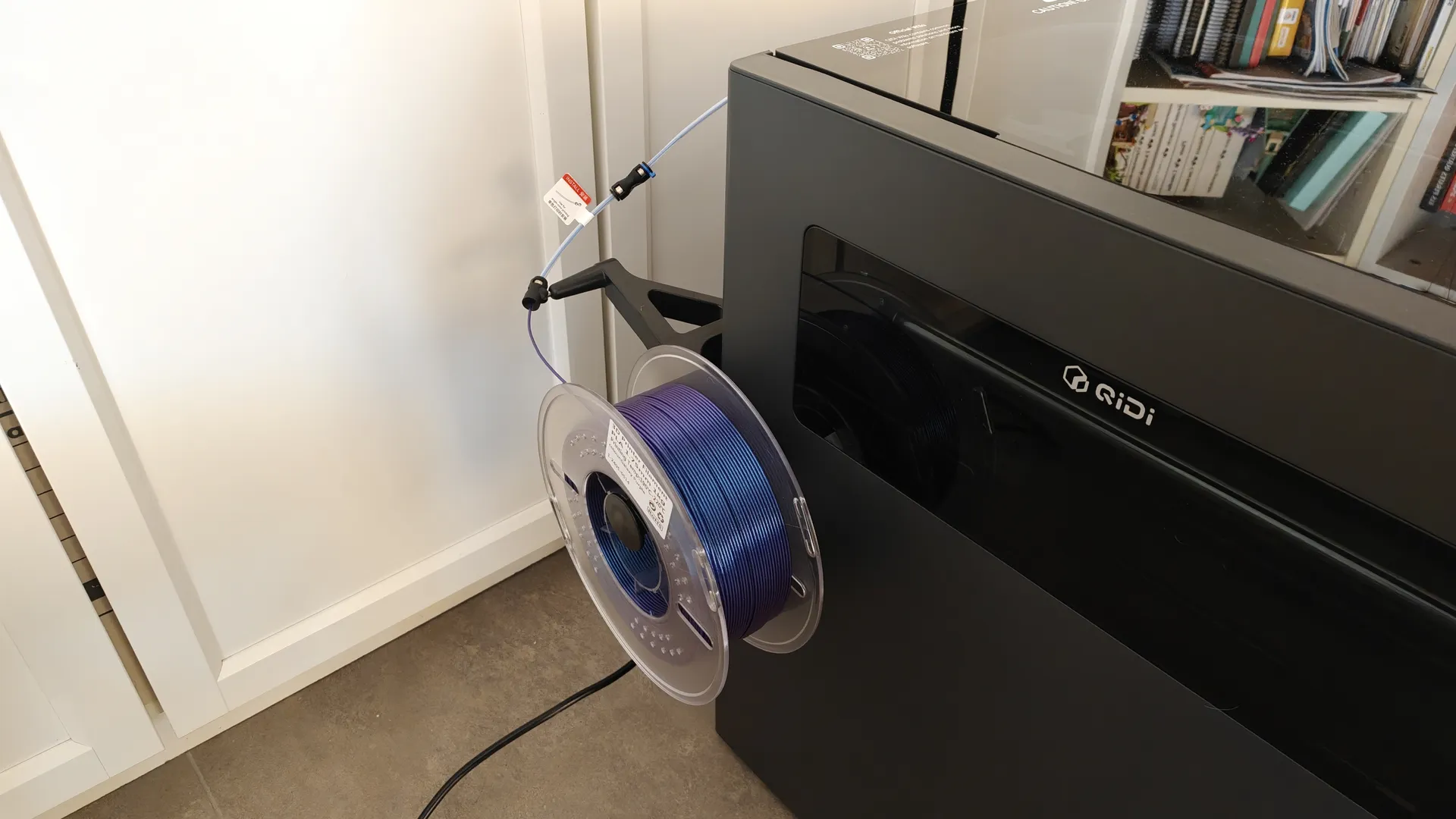
- Attach the side roll holder arm to the extension tube.
- Connect the tube to the head inlet.
- The calibration and vibration process will begin and last for a few minutes.

Axes and Leveling of the 3D Printer
Thanks to the self-leveling and vibration system included with the QIDI Plus5, you can get the system up and running in just a few minutes. Simply follow the on-screen instructions; the initial leveling and vibration phase takes quite a while. The normal leveling phase takes less time and doesn’t need to be performed every time.

Polcar Cooler and QIDI BOX Add-ons
Thanks to the extra cooling provided by the Polcar Cooler directly on the print head, we can maintain the ideal temperature for materials like PLA. If you want to print with multiple materials, you can use the QIDI BOX, which allows you to combine multiple units for even more possibilities. You can see how they work in the review of the previous model, the QIDI MAX4
Components, Controls, and 3D Software
QIDI Plus5 Structure
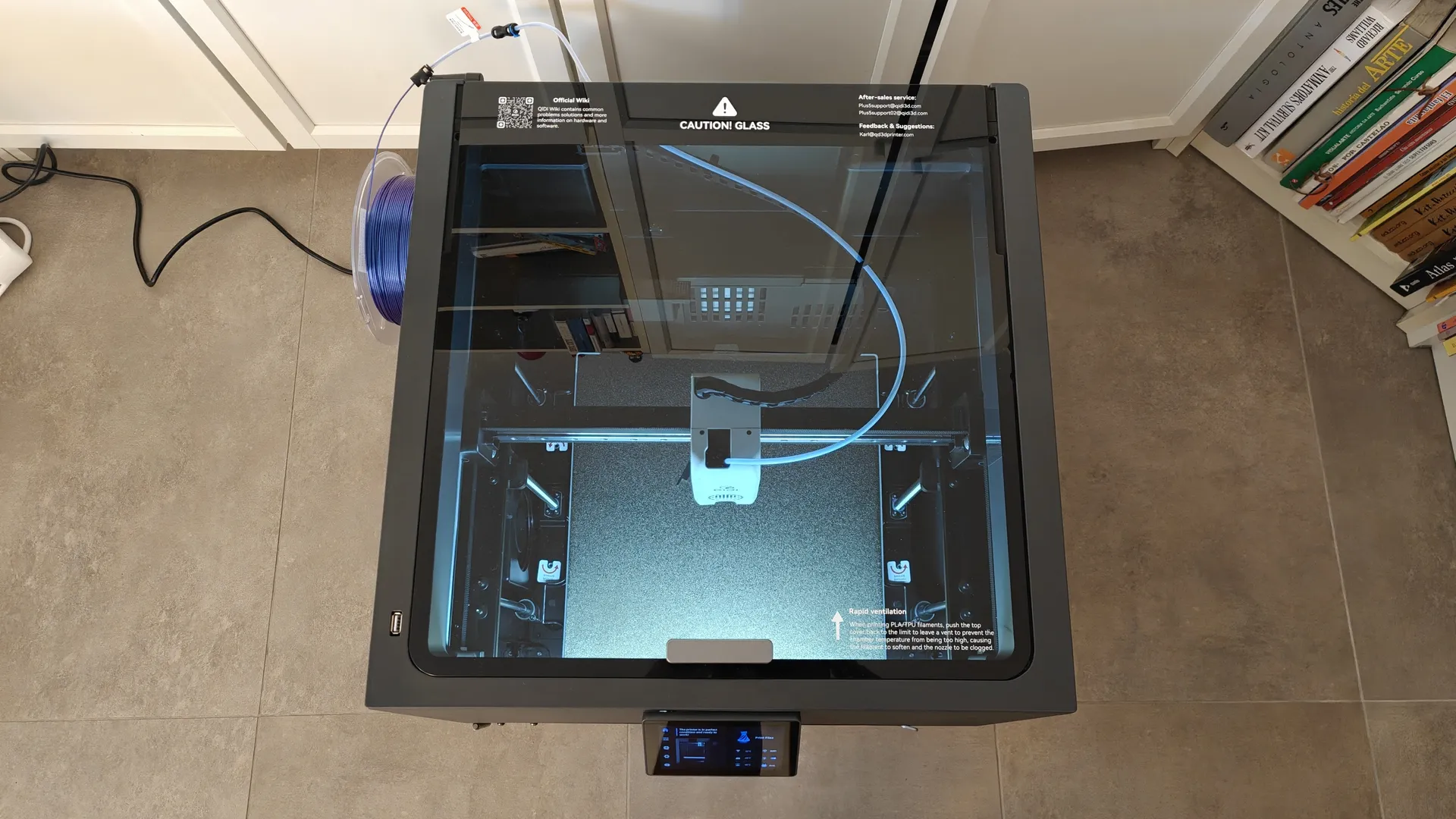
The new QIDI Plus5 printer features clean, refined lines, this time in black. It has a hinged front door and a top cover with two positions for materials that require ventilation, such as PLA.


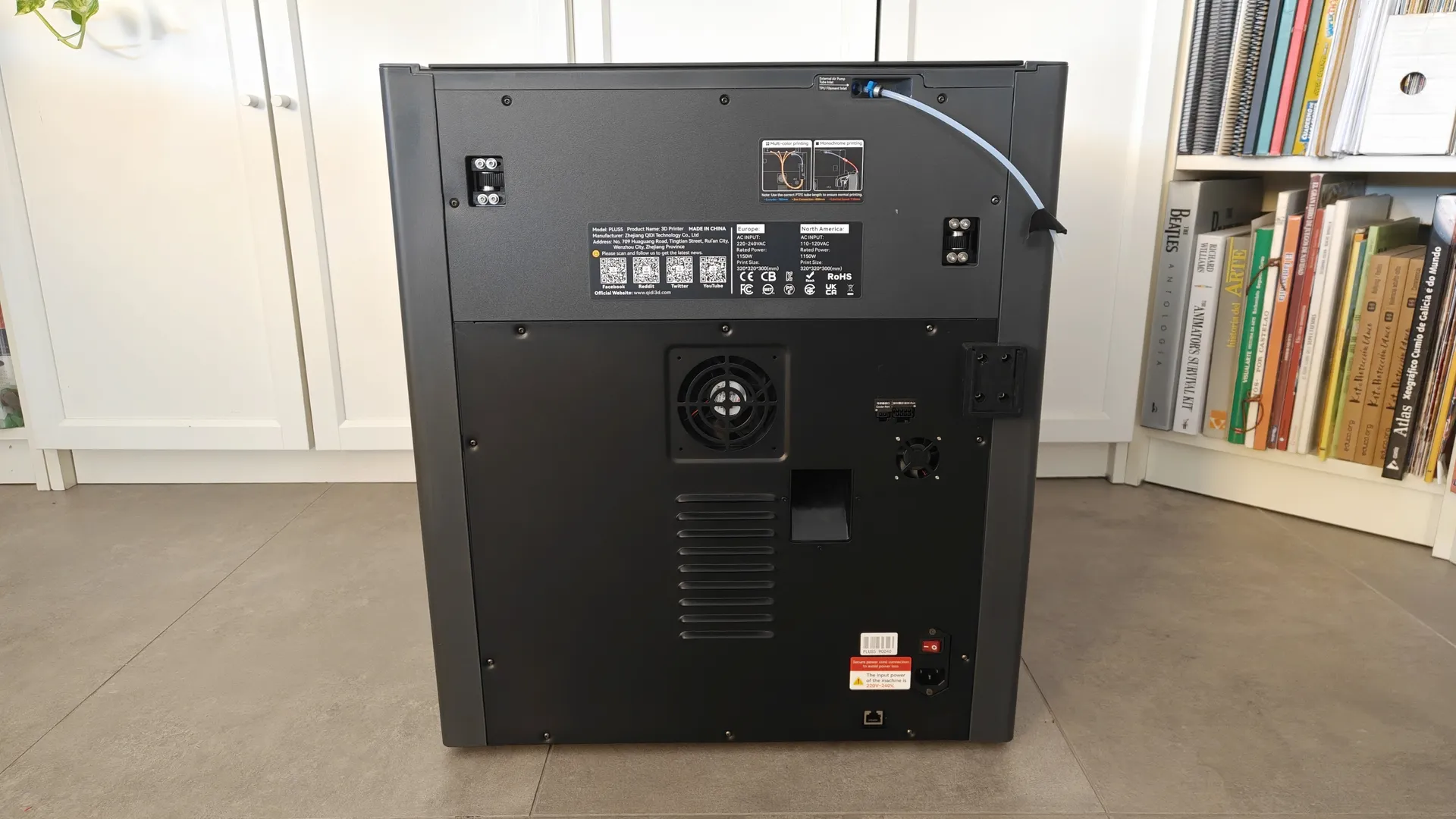
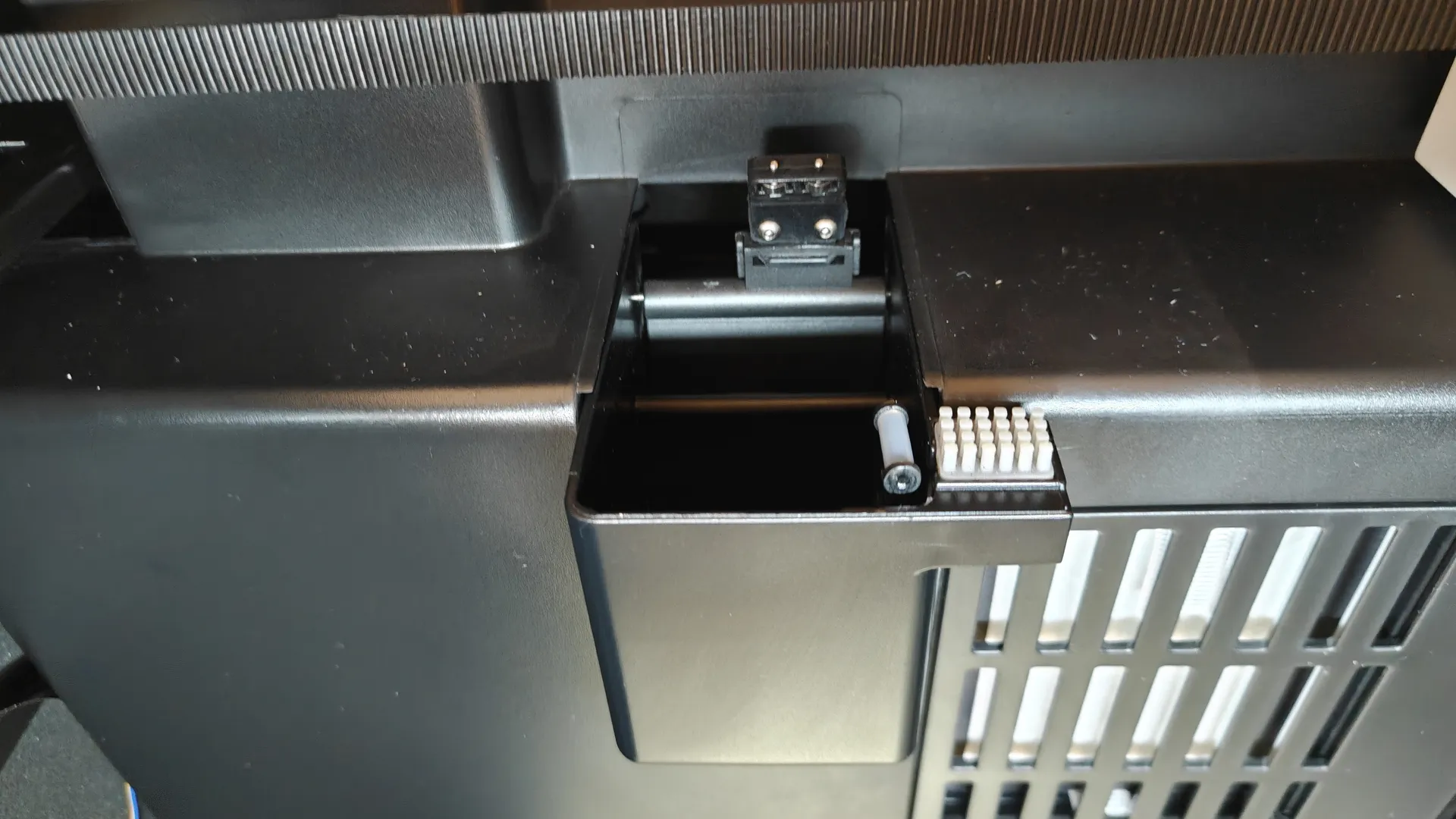
On the left side, you can mount the filament spool holder, and on the right, the power connector. In this area, there are control connectors for the BOX and Polar Cooler, an Ethernet port, air vents, and a waste ejector. There are two access points for conveniently tensioning the belts without having to disassemble anything.
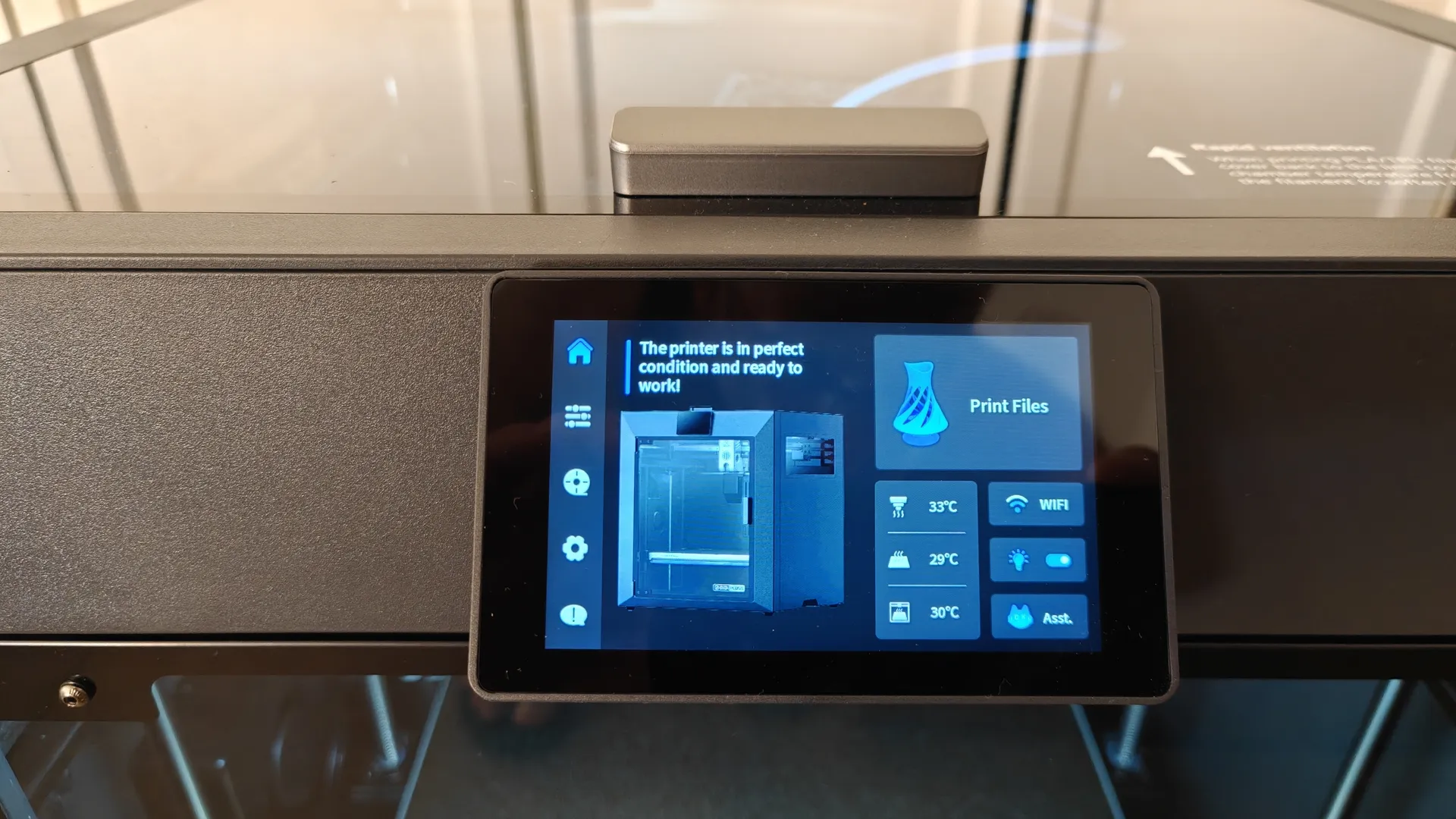
On the front, there is a 4″ rotatable touchscreen. At the top of the structure, there is a USB 2.0 port, which can be used to perform firmware updates and import 3D models.
Drive, Heating, and Cleaning
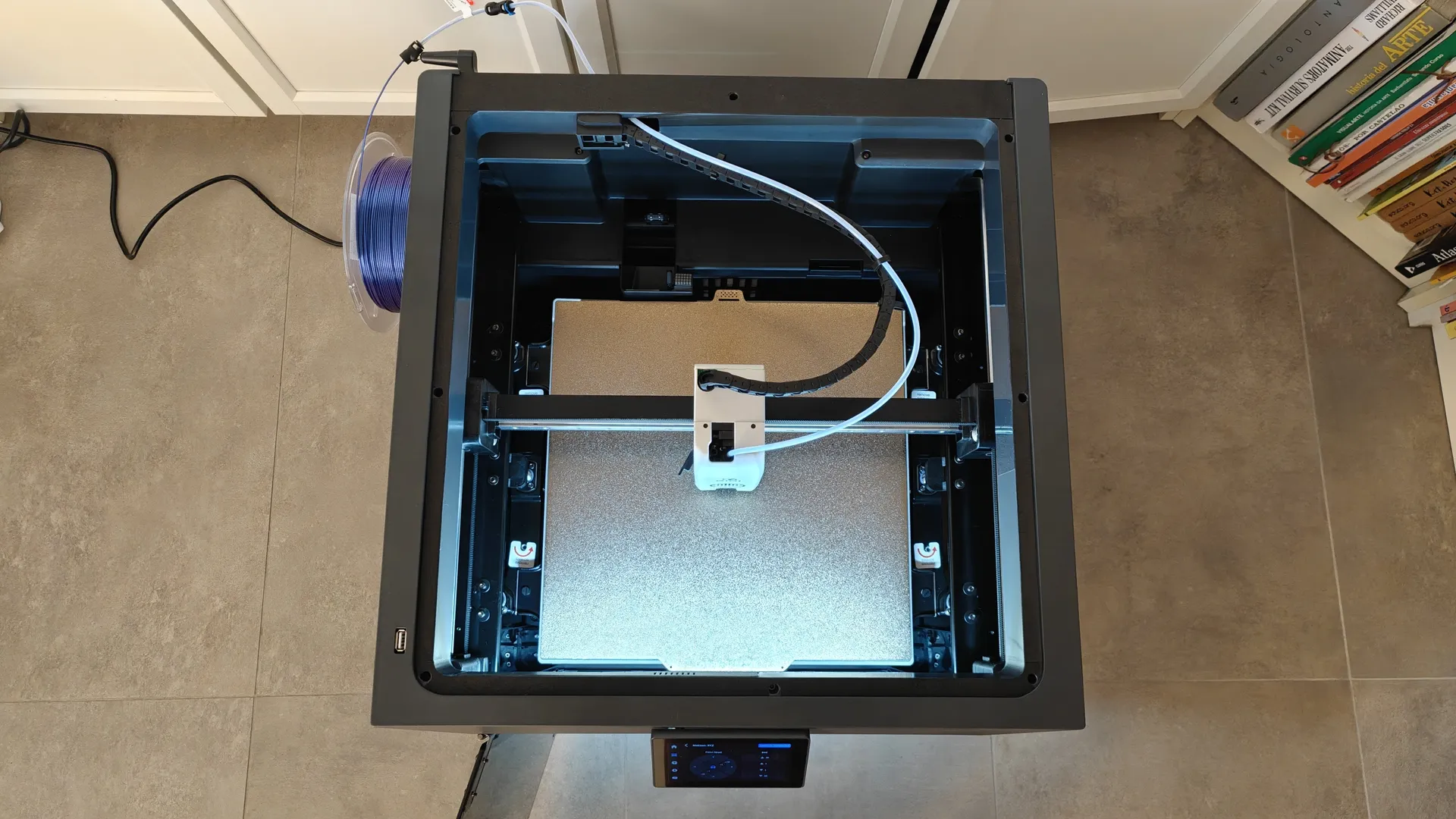
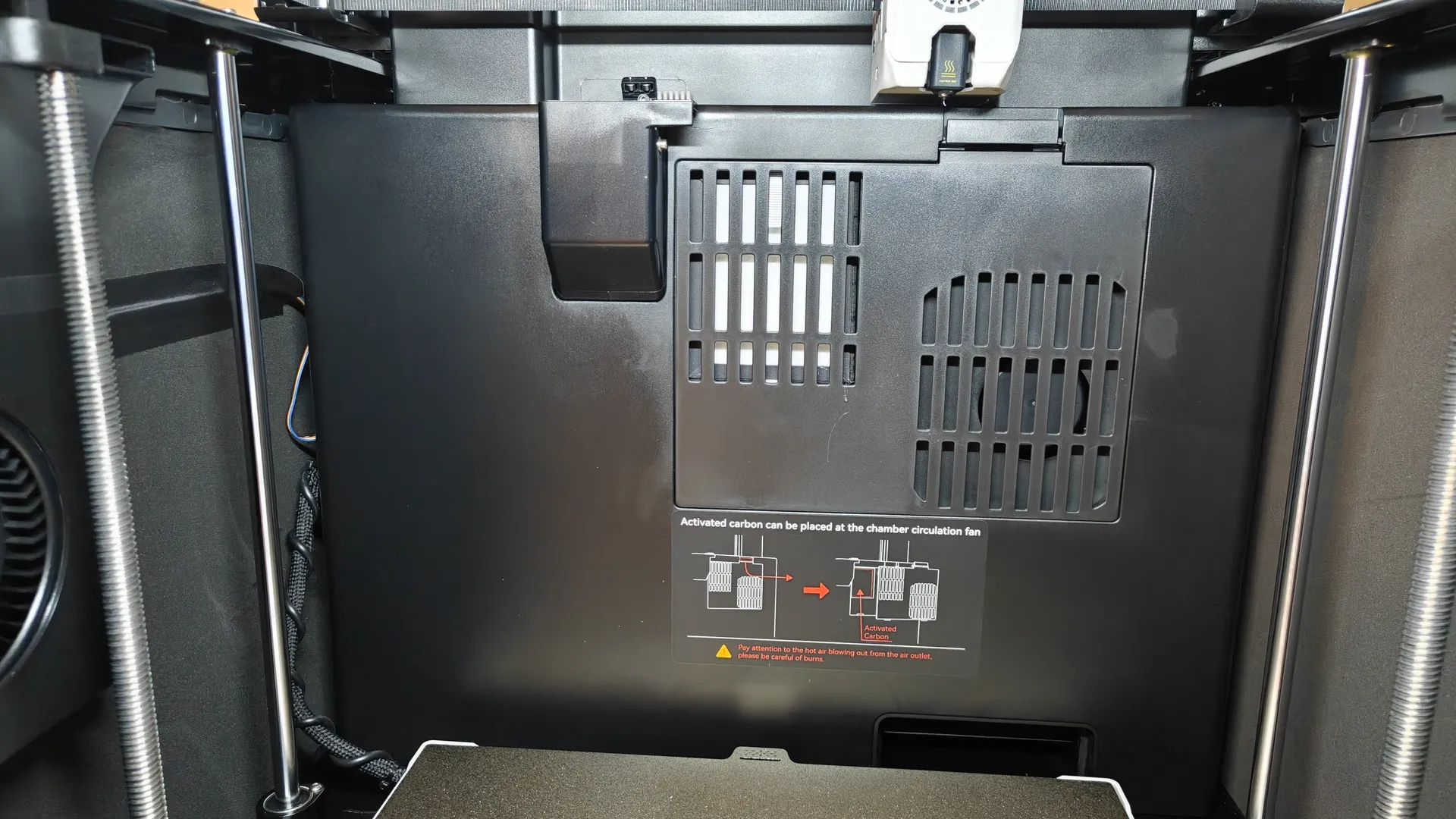
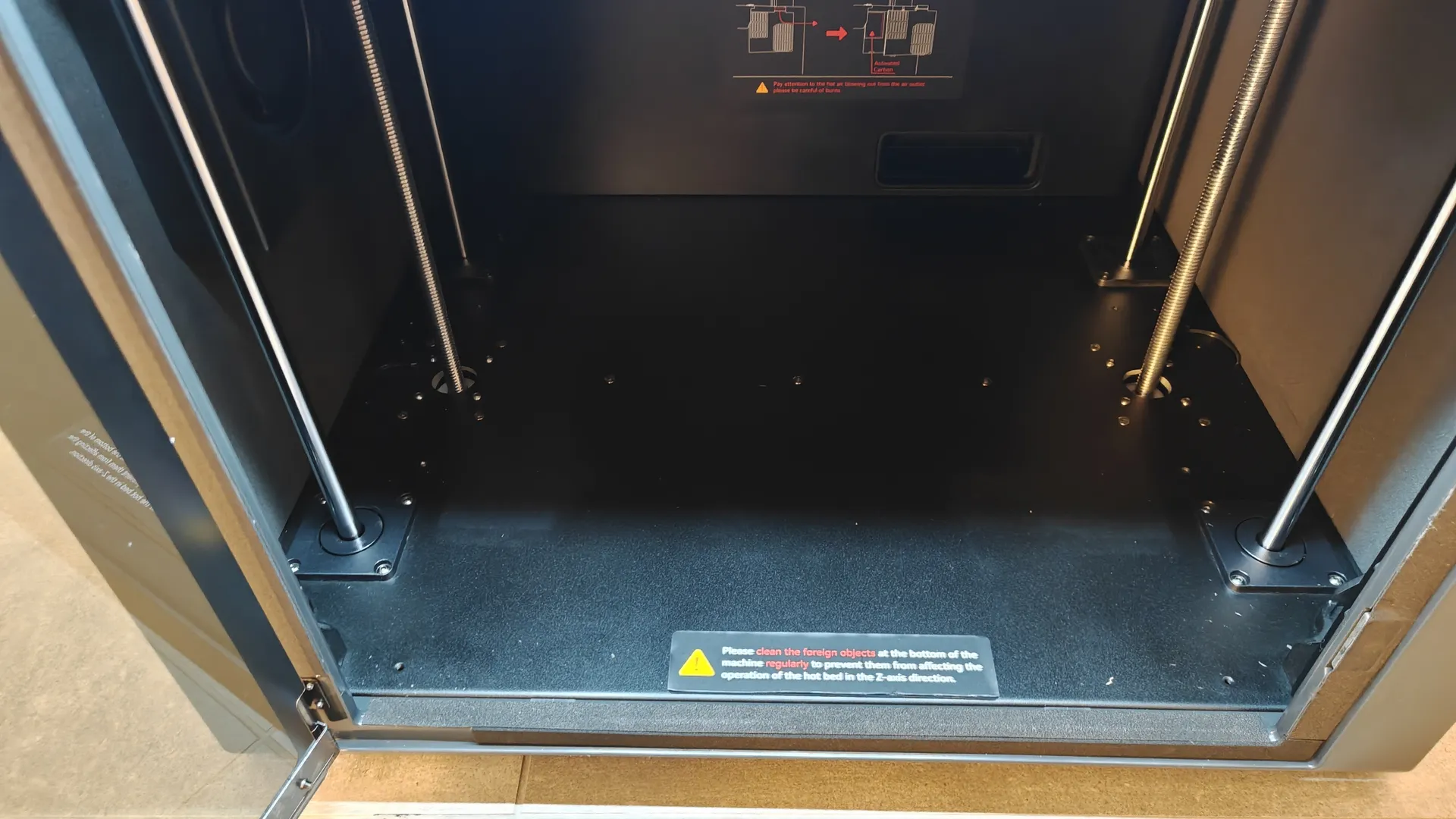
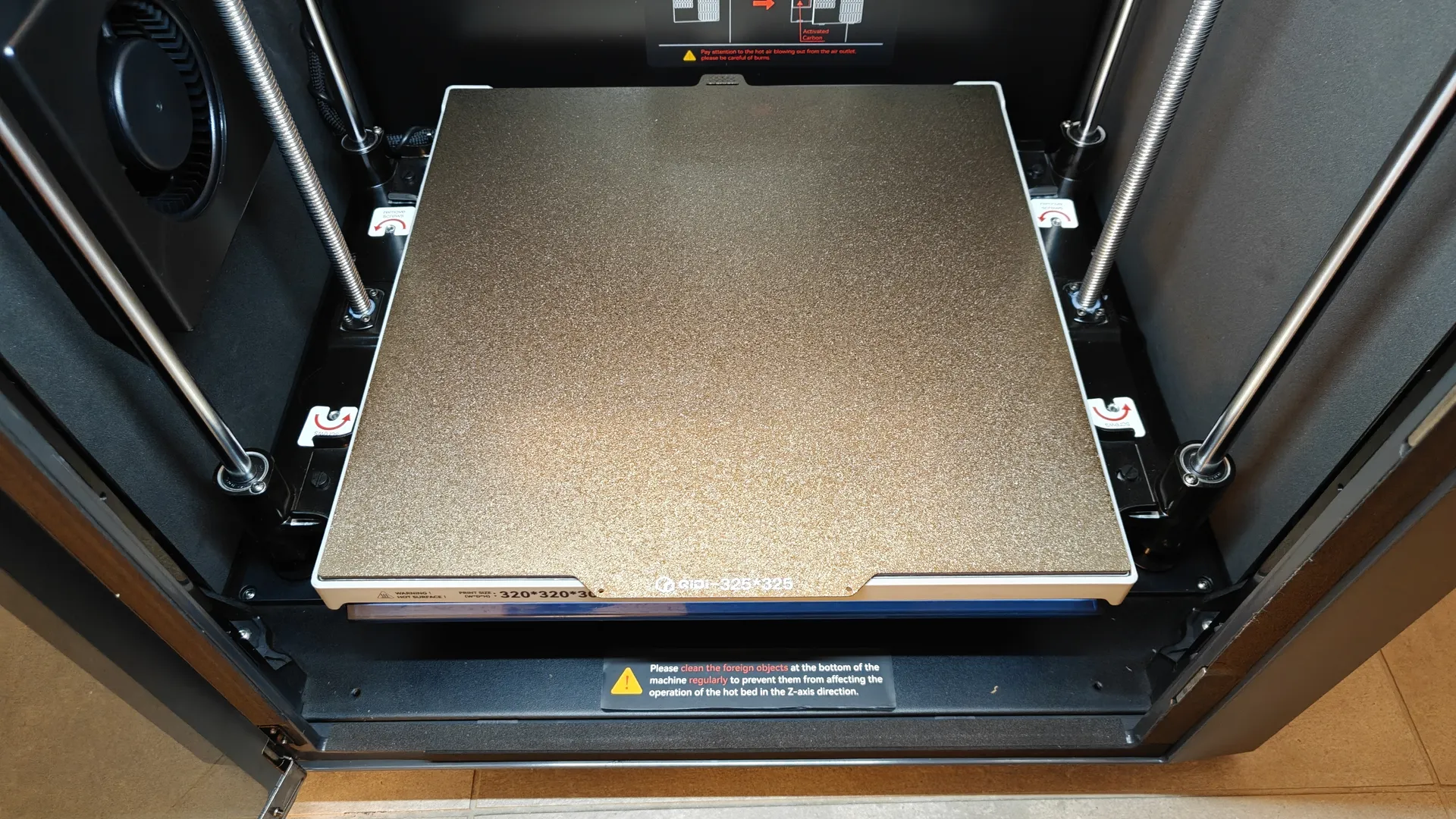
Inside the enclosure, there is an auxiliary fan for internal temperature control and another heating fan that can raise the chamber temperature to 65°C. It also features a 3-in-1 filter (G3, H12 HEPA, coconut/carbon). The base of the printer’s print chamber is smooth and very easy to clean. The print head cleaning system uses friction and expels debris directly to the rear of the printer.
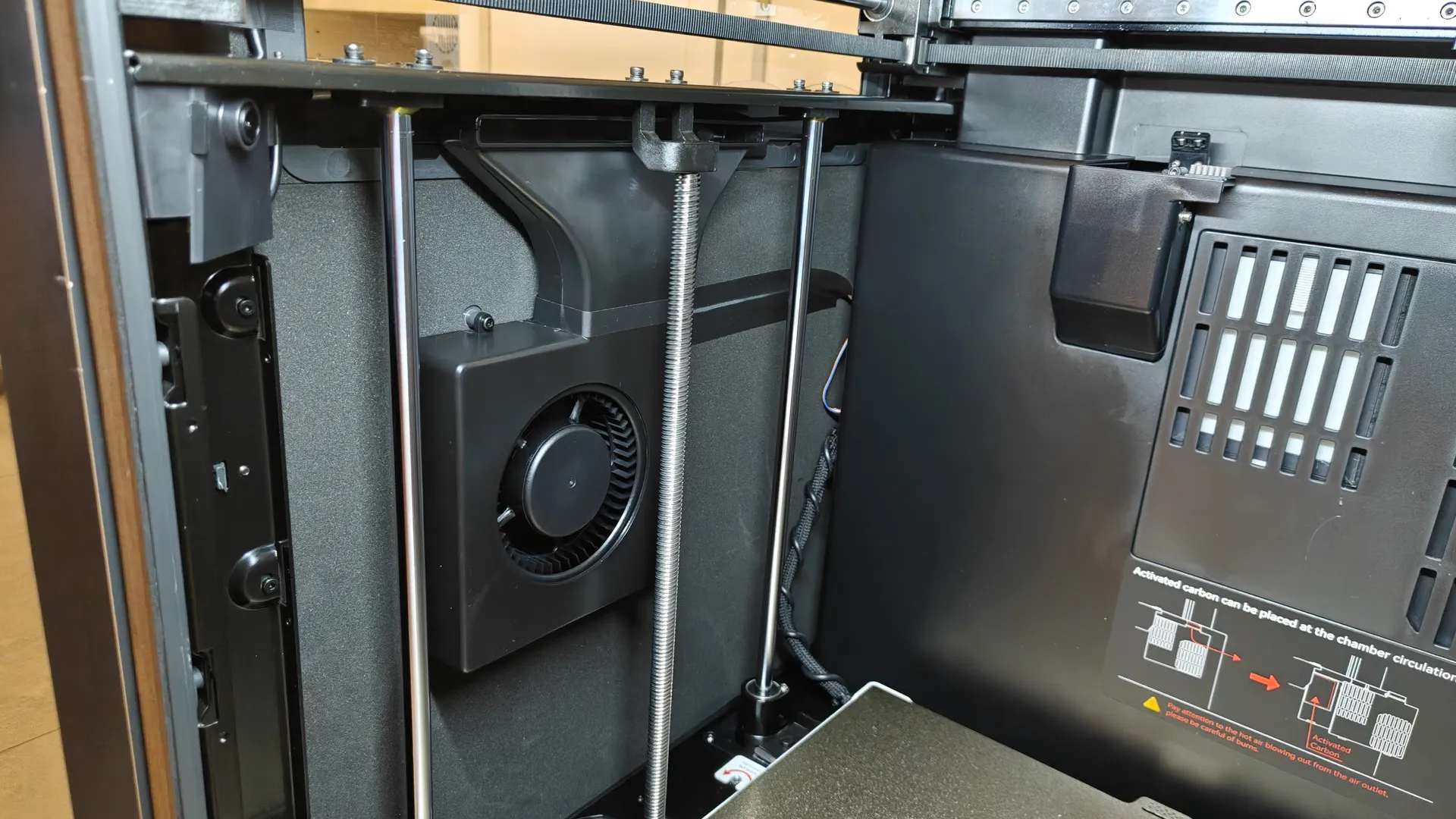
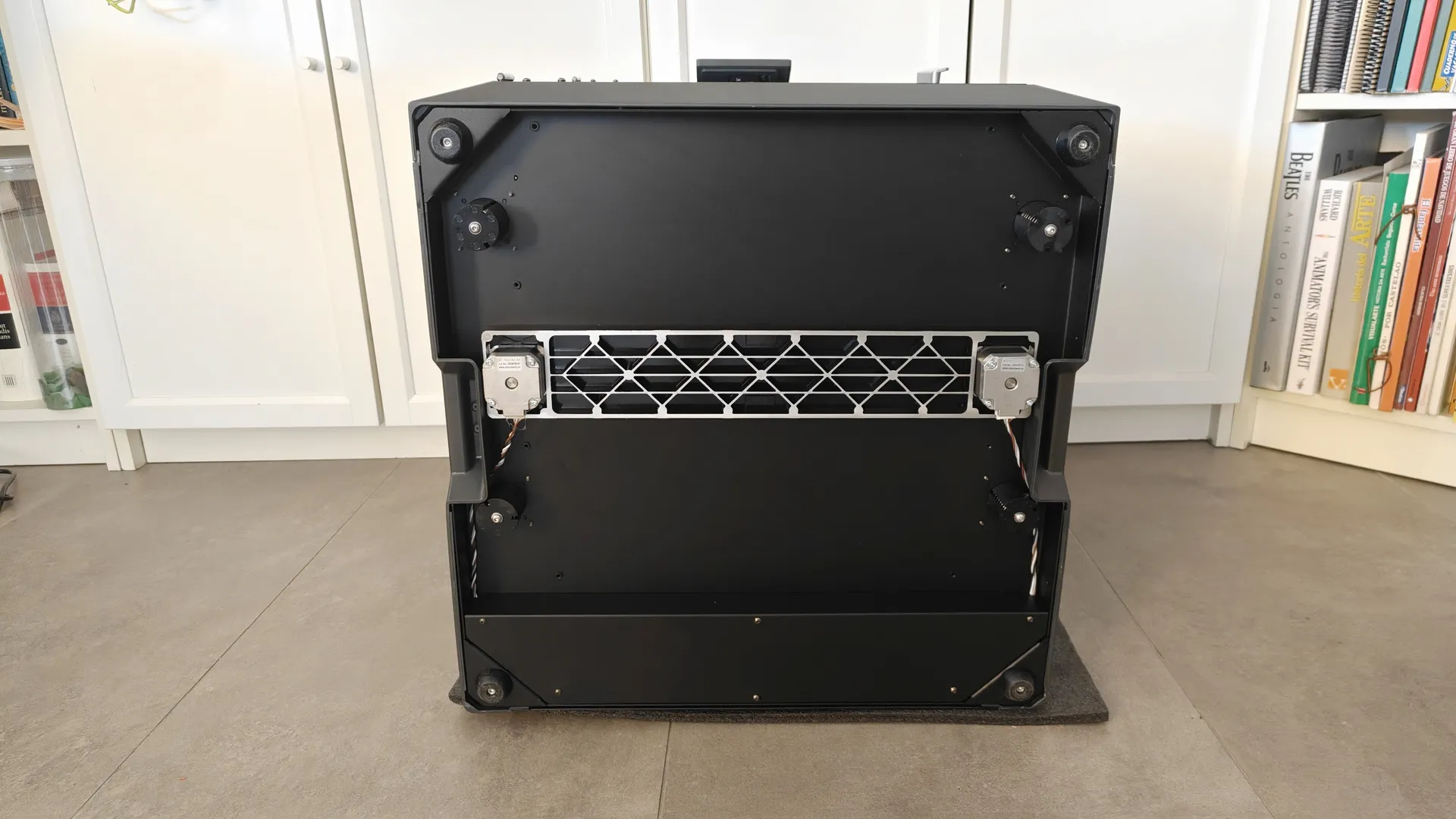
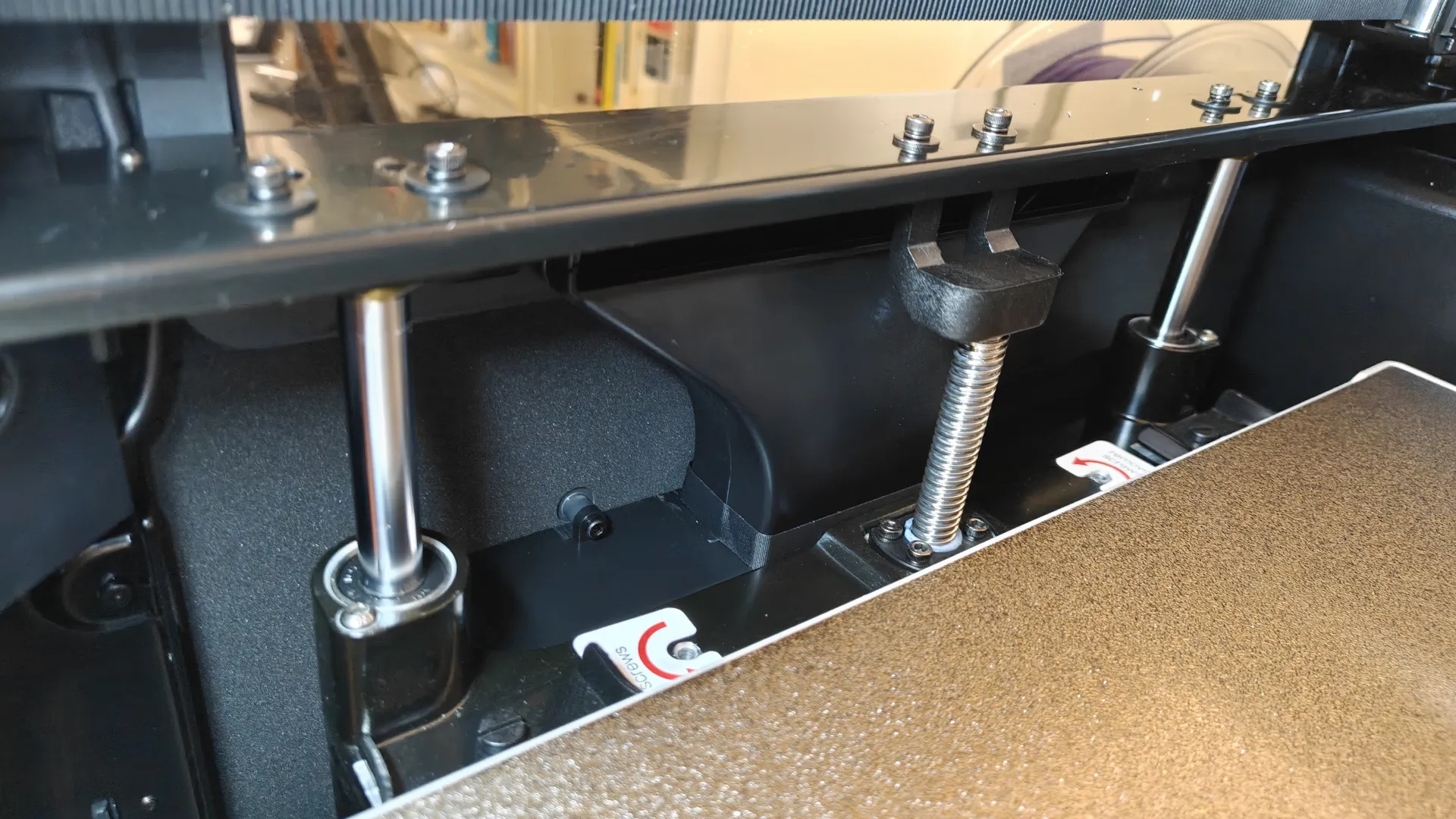
At the bottom, we can see the two direct-drive servomotors for the Z-axis; the 10-mm guides feature backstop nuts on the lead screws to prevent geometric errors. The power supply is also housed within the frame in this area. For the X-axis, we have a high-quality linear guide; to move the Y-axis, we use high-precision 1.5GT belts.
Camera and Lighting
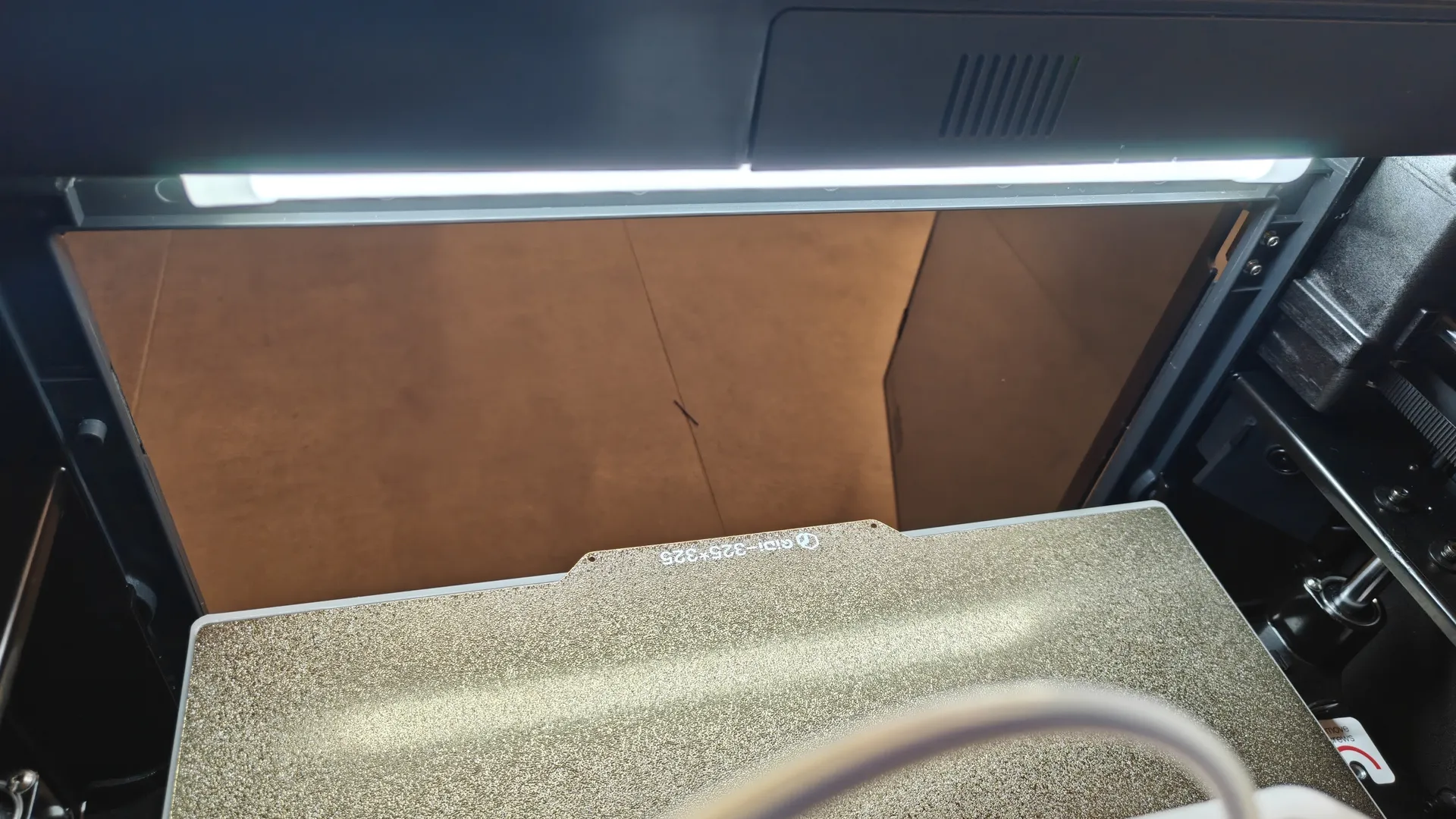
On one side of the camera, we have a Full HD video camera with a panoramic view; next to it, on the upper frame, there is a small integrated LED light strip that provides good lighting in all positions.
Platform and Development Board
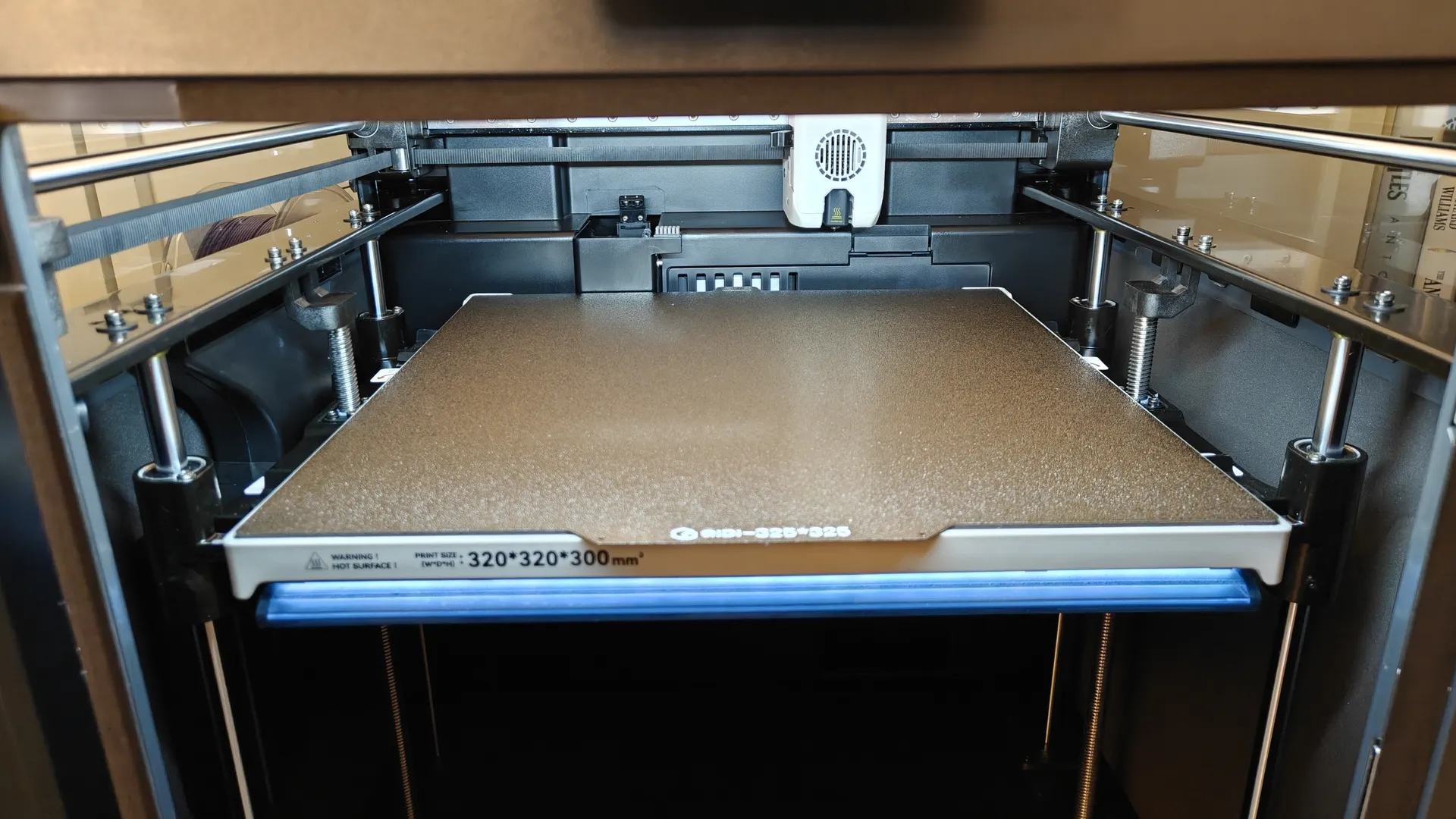
At the bottom is the double-sided magnetic plate, which can be heated uniformly up to 120 °C. The maximum print volume is 320 x 320 x 300 mm. Thanks to the design of the base stand, it fits very securely. At the bottom of the base, there is RGB LED lighting that displays the percentage of the job completed and other notifications.
Print Head
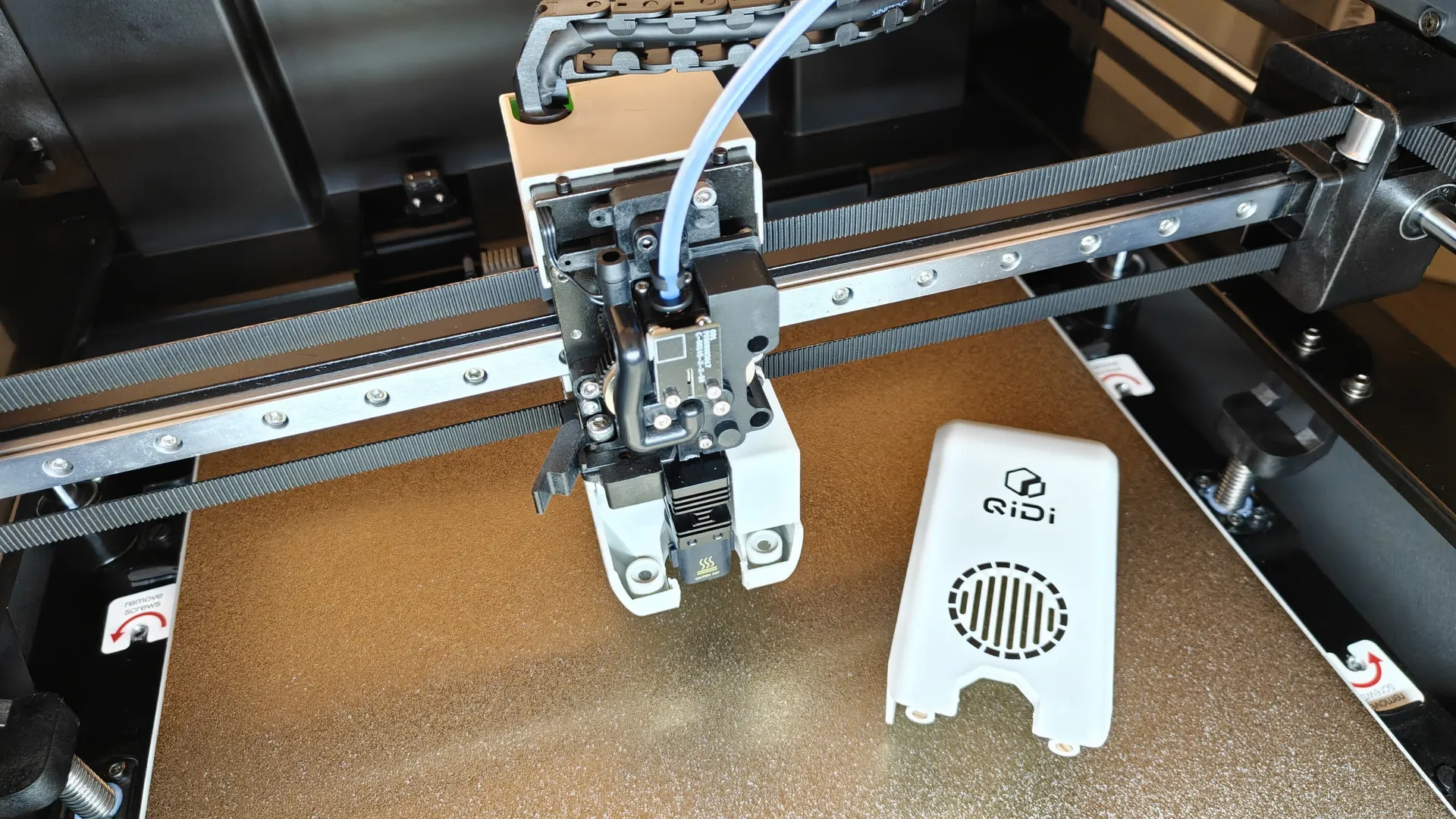
The default print head on the QIDI Plus5 is made of high-strength metal components and can operate at temperatures up to 370 °C. It features a powerful cooling fan that is quite quiet.
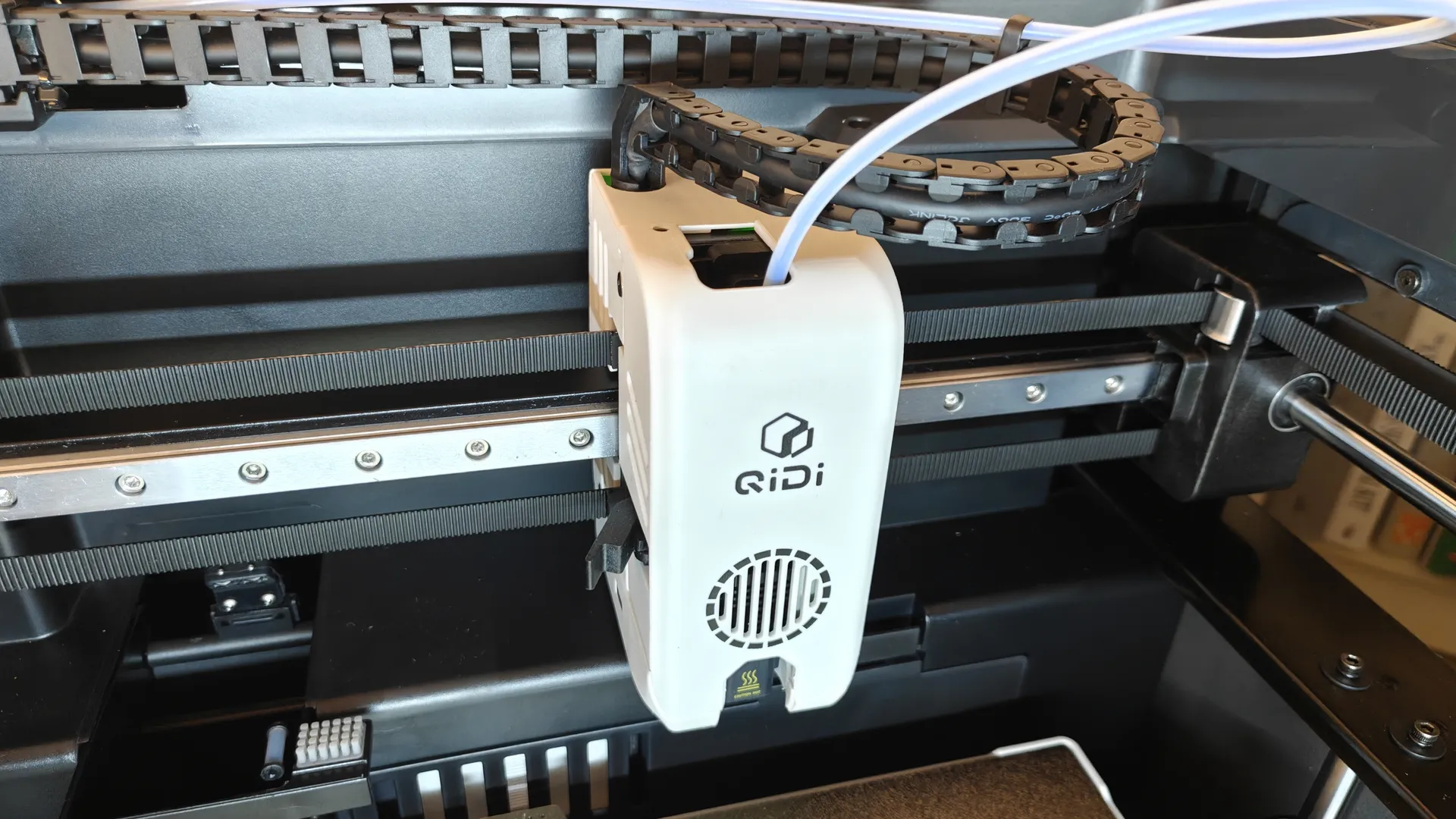
It’s easy to remove the print head by detaching the housing first by pulling it upward and then toward the front. Both the heating element and the extruder can be replaced. The filament cutter offers both automatic and manual options, which are very convenient. The filament feed tube features an LED feed indicator and feeds the filament smoothly. As an added bonus, you have the option to connect the Polar Cooler to an additional port.
QIDI Plus5 Controls
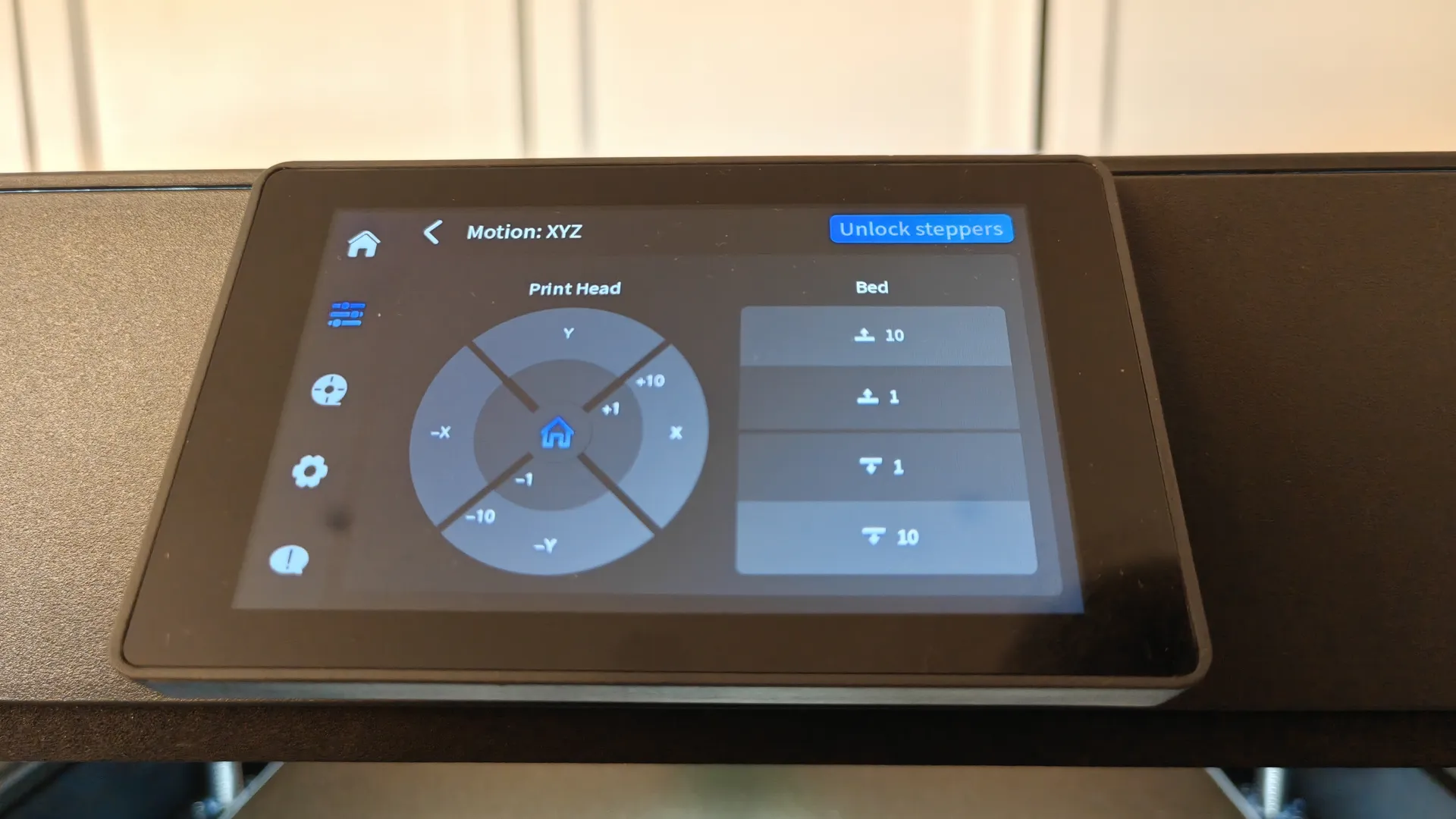
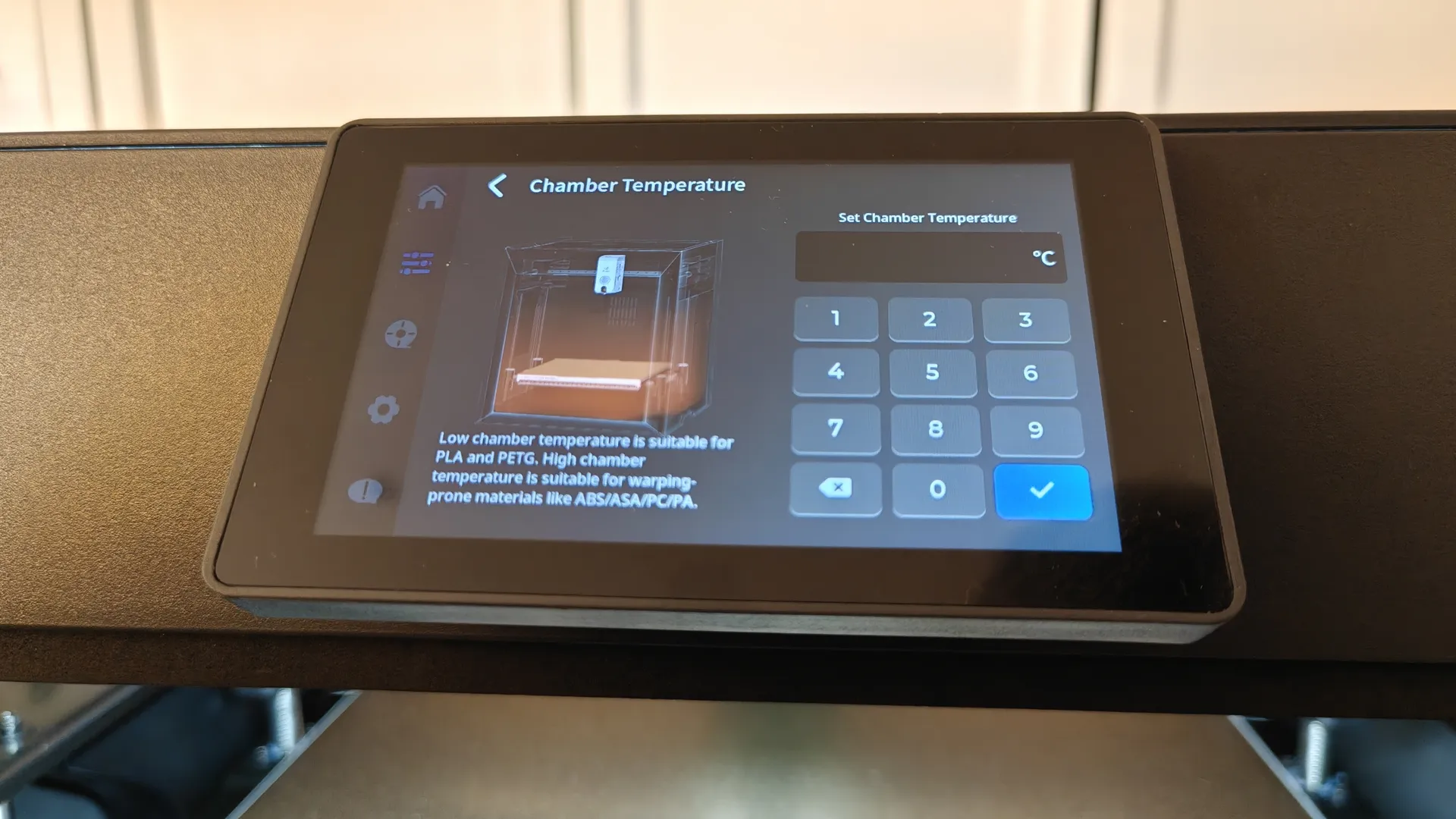
The new QIDI Plus5 printer features a 4″ touchscreen that lets you control all the basic aspects of this hardware. It’s easy to access the menus for leveling, temperature control, job loading, the extruder, network connection, filaments, QIDI BOX, Polar Cooler, AI chamber detection, and updates.
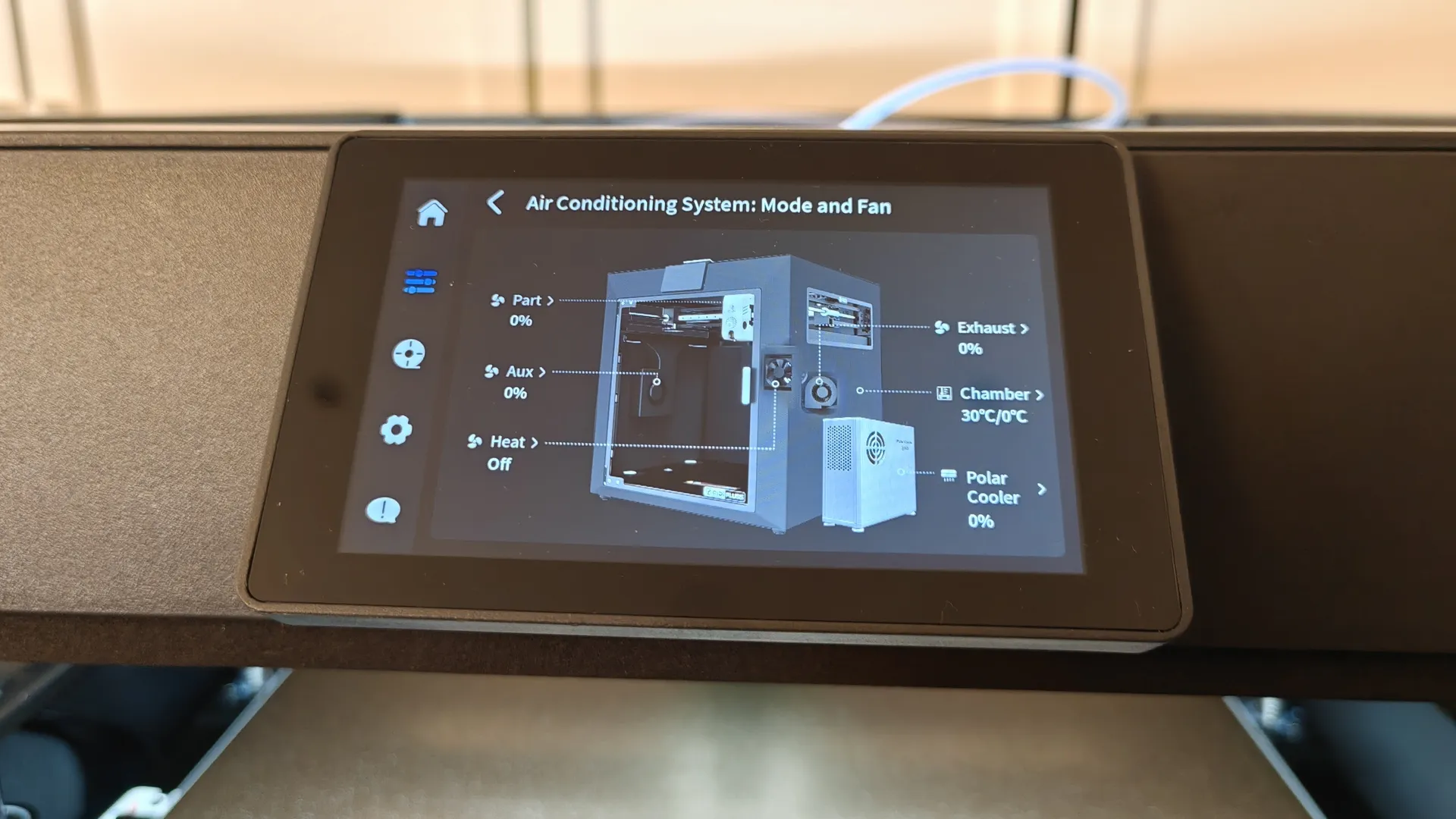
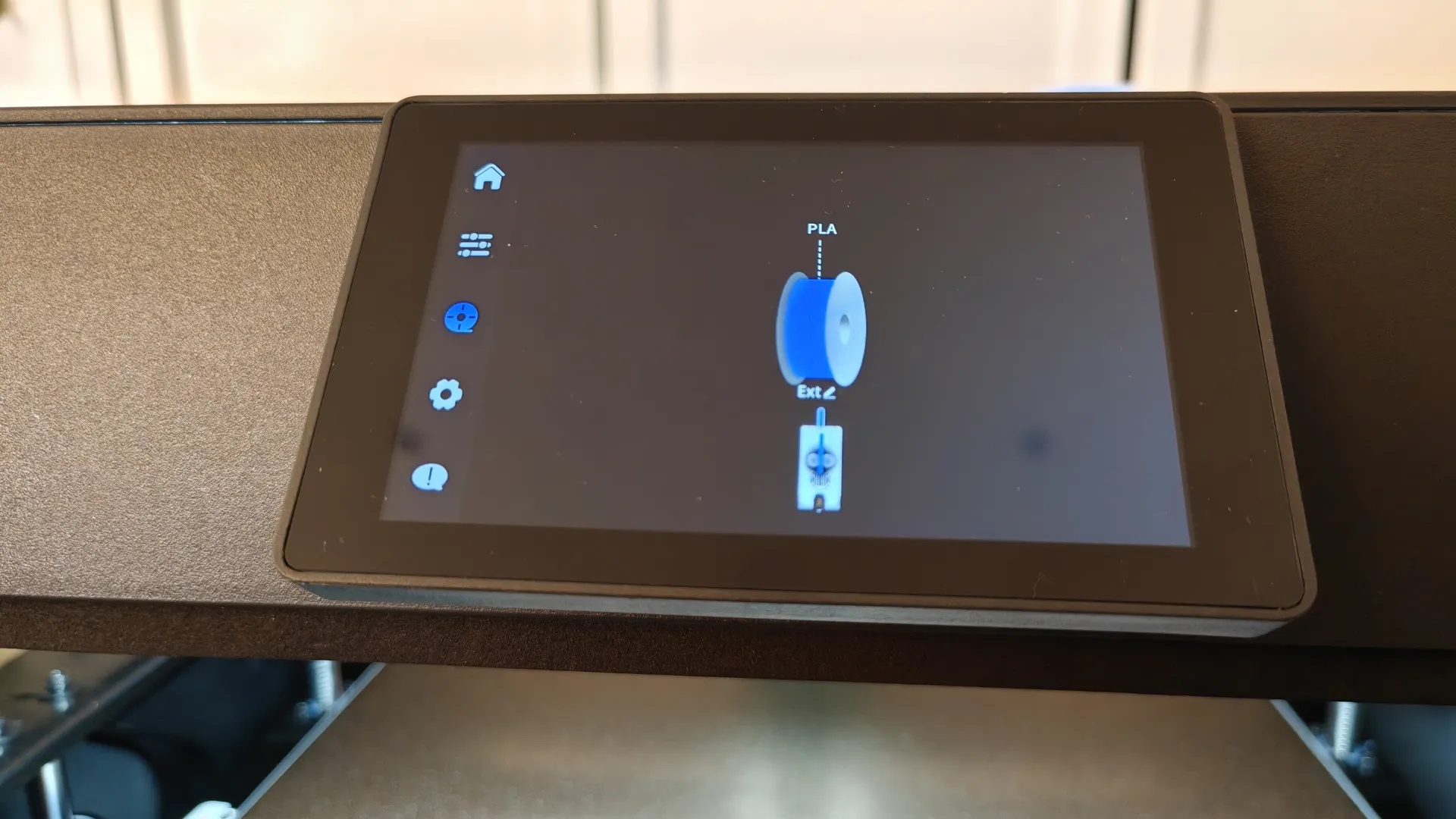
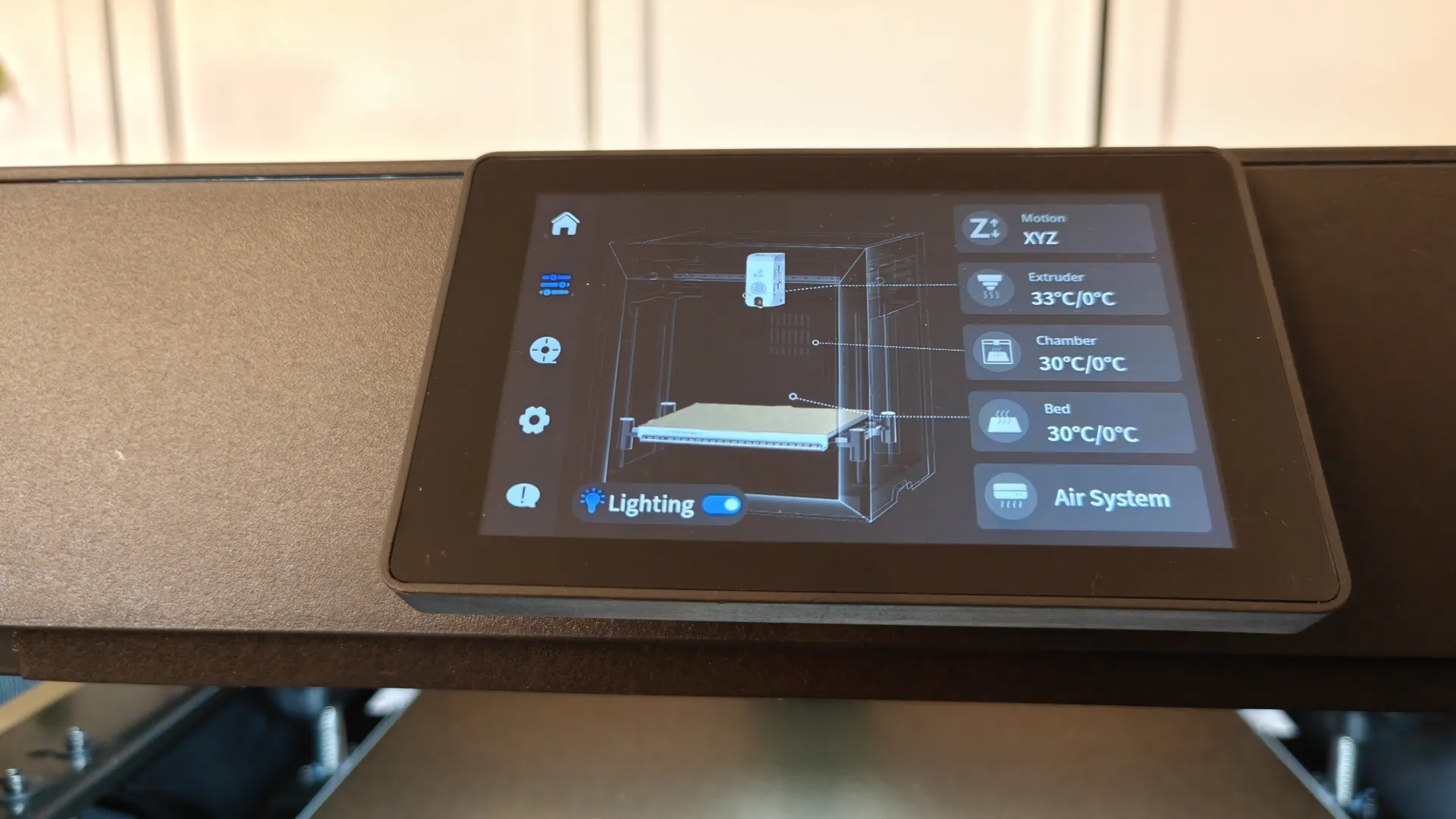
To enable Polar Cooler, you must have “Extruder Cooler” enabled in the print options menu. In the “Filaments” menu, go to the QIDI BOX loading settings. If you always use the same spools, you can disable detection at startup to reduce loading times.

Part Design and Laminator
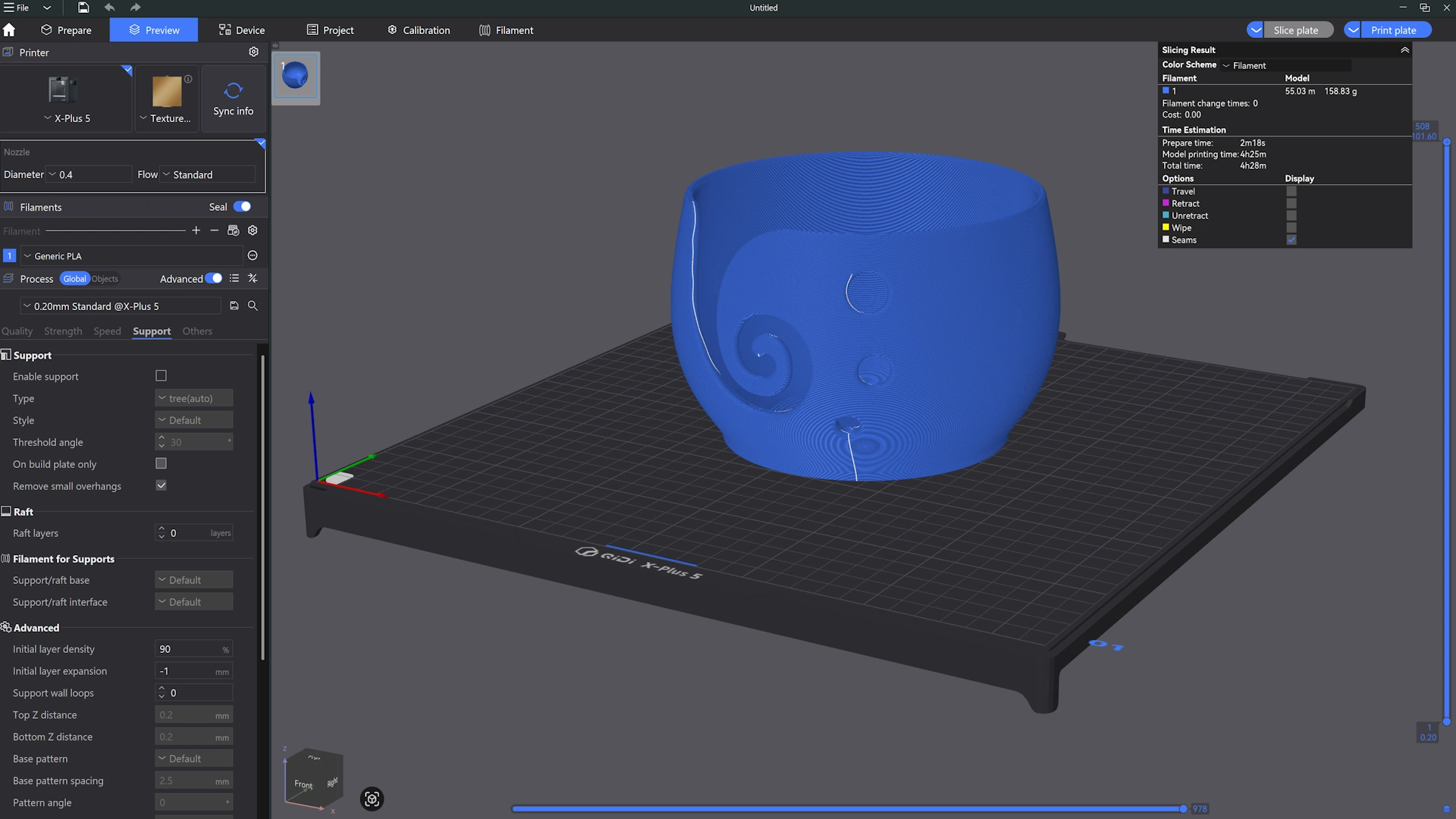
The default software for QIDI Studio is a customized version of Bambu Studio, but you can also use other software such as Orca or Pulsa Slicer. The program will guide you through setting up the system with your printer; you can connect to it via Wi-Fi by checking the printer’s IP address in its settings.
- To slice the models, we’ll use the QIDI Studio program.
- 3D Object Libraries on the Websites Thingiverse / Grab3D / Cults3D / MakeWorld
- If you want to design your own 3D parts , you can use Tinkercad.
Real-time management and camera
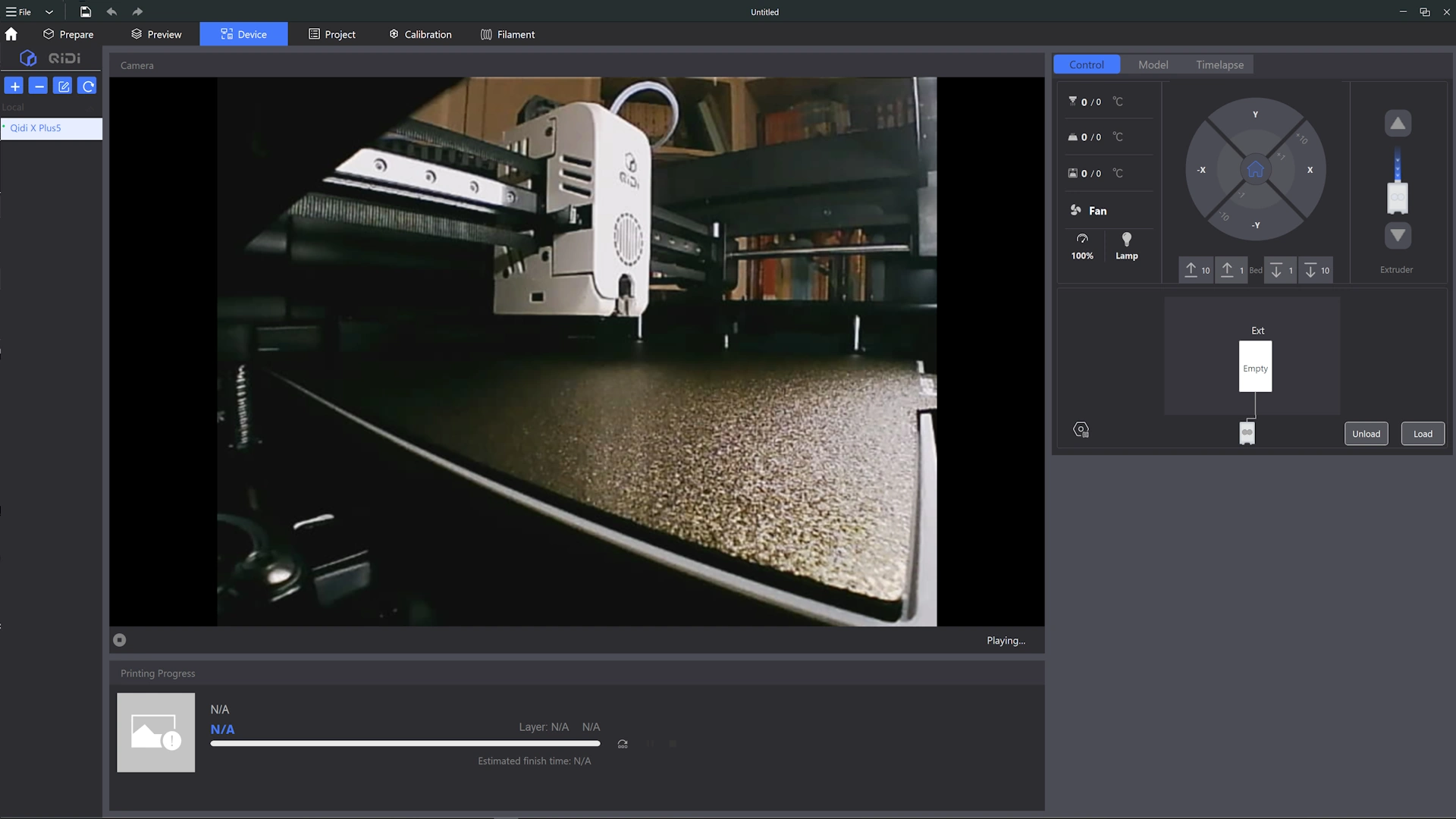
Within the QIDI Studio program, to access real-time control and view the built-in 1080p webcam, go to the Device window. There, you’ll find a very simple but somewhat inefficient interface (it should be Fluidd), where you can easily manage all settings and activate various functions in real time.
- NOTE: You can connect from any device with a browser using the machine’s IP address; Fluidd is available on the web, so the app is the better option.
Test Bed
Print Quality
We tested the QIDI Plus5 printer with various 3D models and different materials. In our tests, we’ll use the most common materials: PLA (polylactic acid) and ABS (acrylonitrile butadiene styrene). We also printed an AMS model in three different colors to evaluate the results.
- If you work extensively with PLA, the Polar Cooler add-on is worth considering.
- For printing with multiple filaments at once, the QIDI BOX is the ideal option.
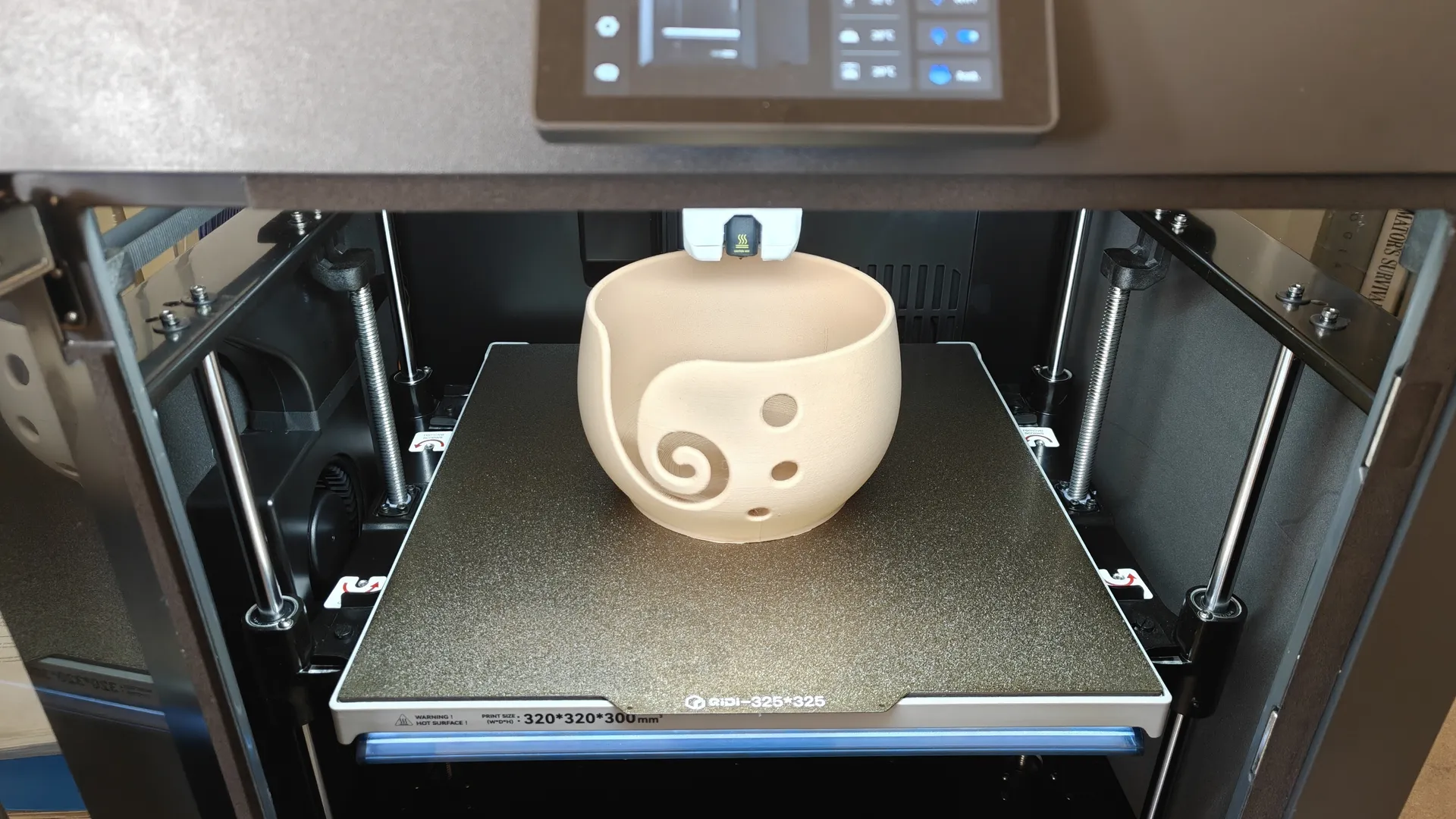
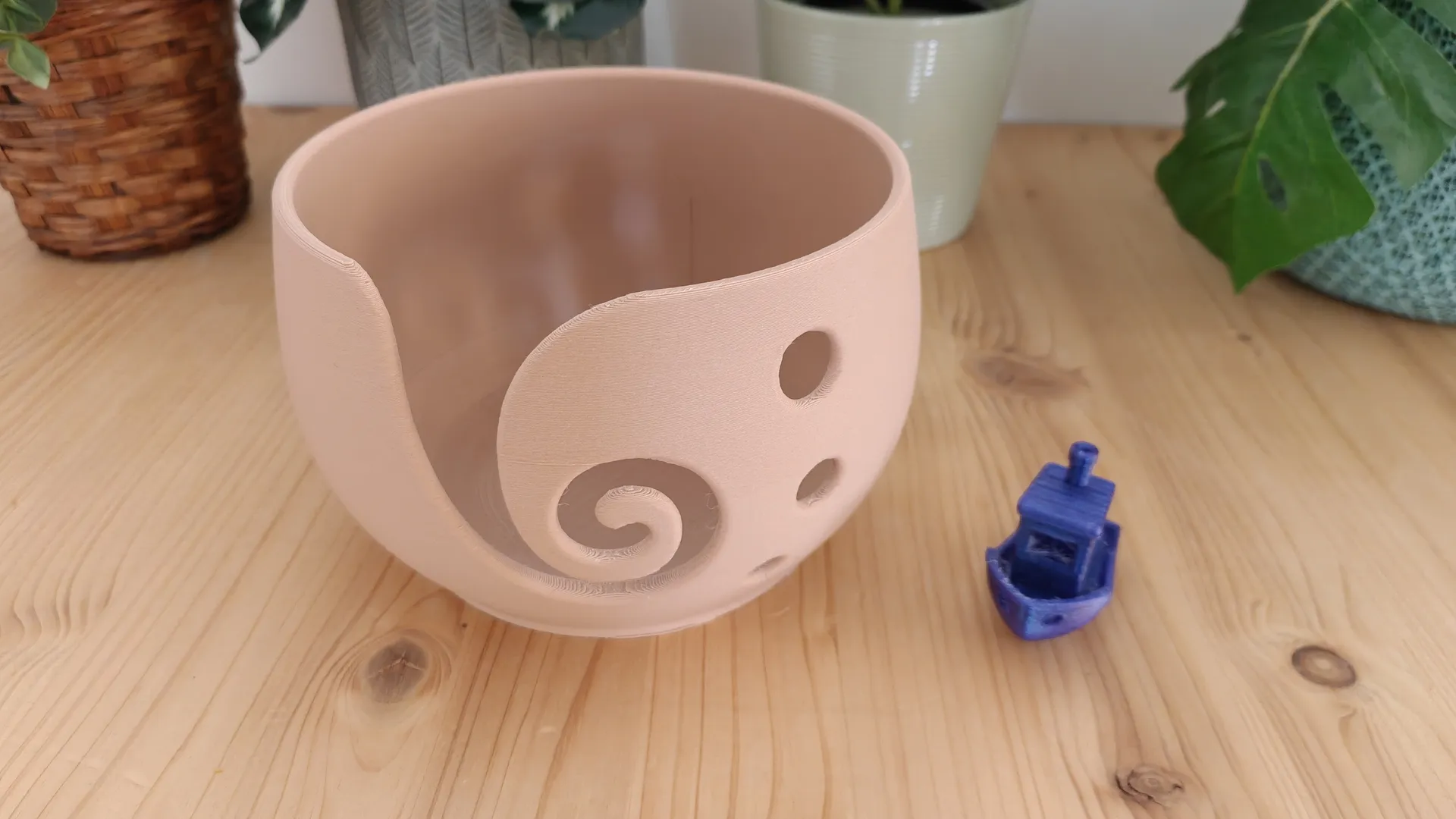
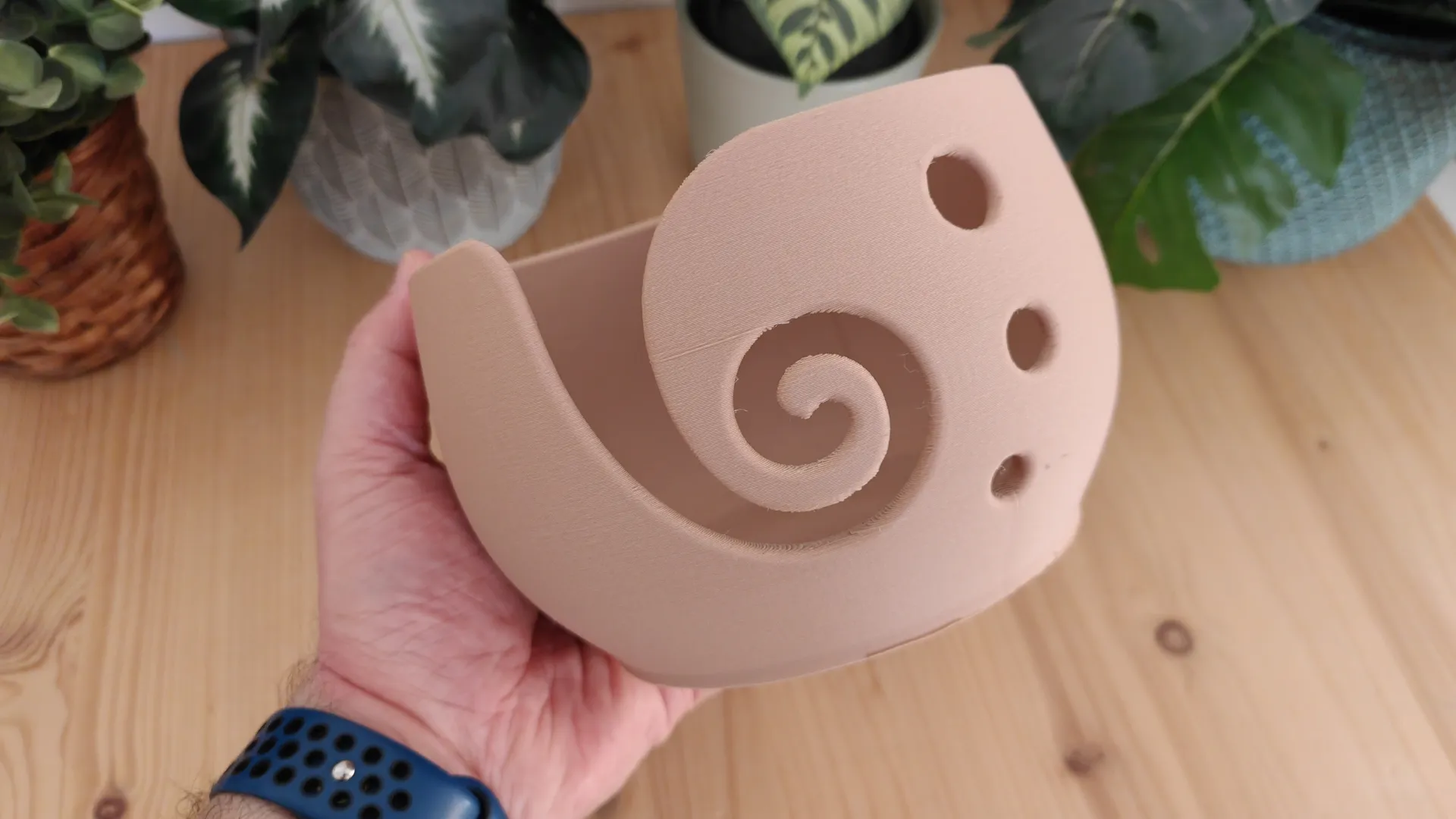
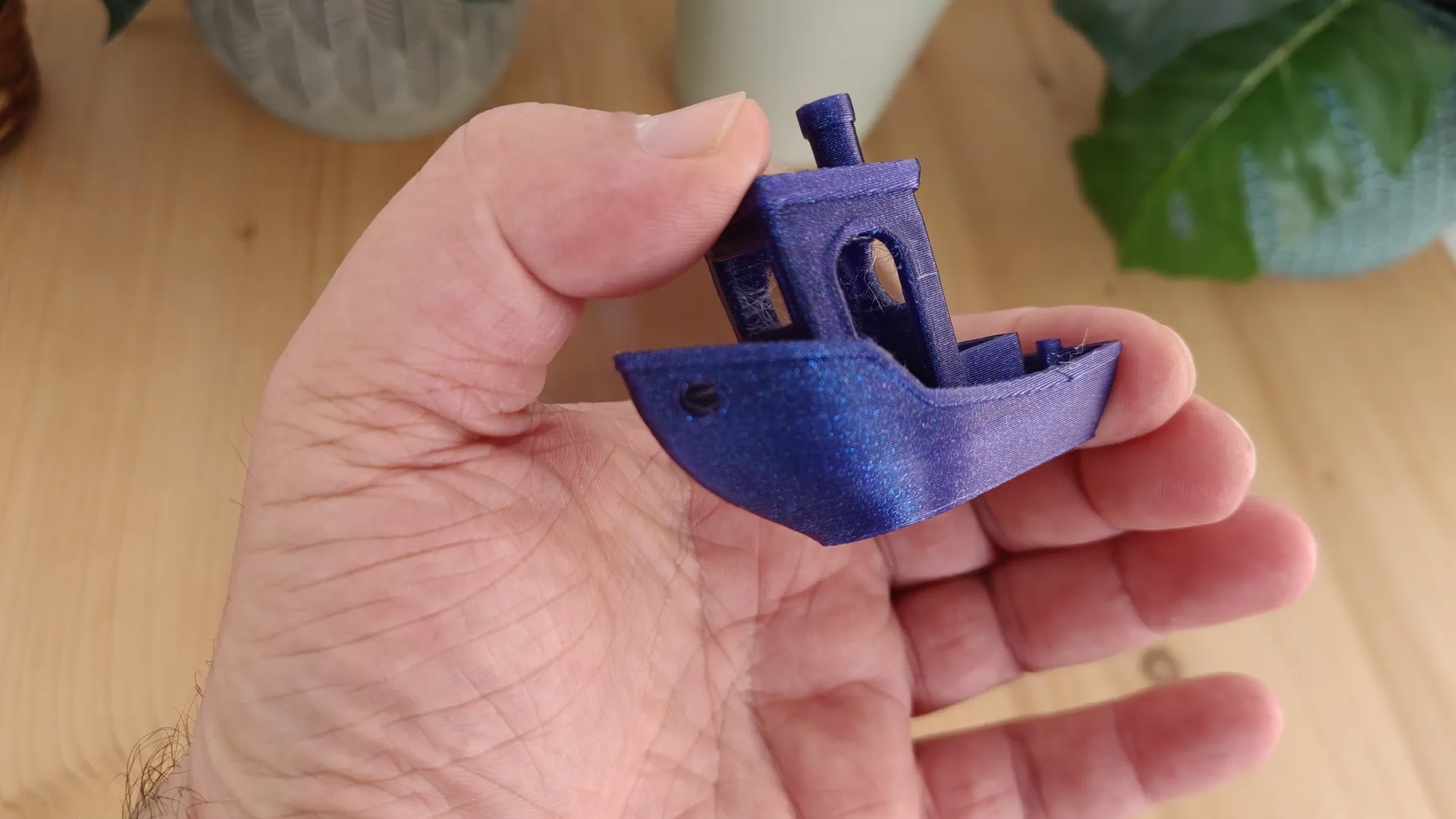
As we can see with our classic PLA print of the Benchy reference model, as well as a more complex wool bowl printed with PLA-wood filament, the printer handles it without any issues. We observe good final print quality and confirm that it prints quickly. The layers are well-defined, and no errors are visible.
- PLA Benchy print: 17 min.
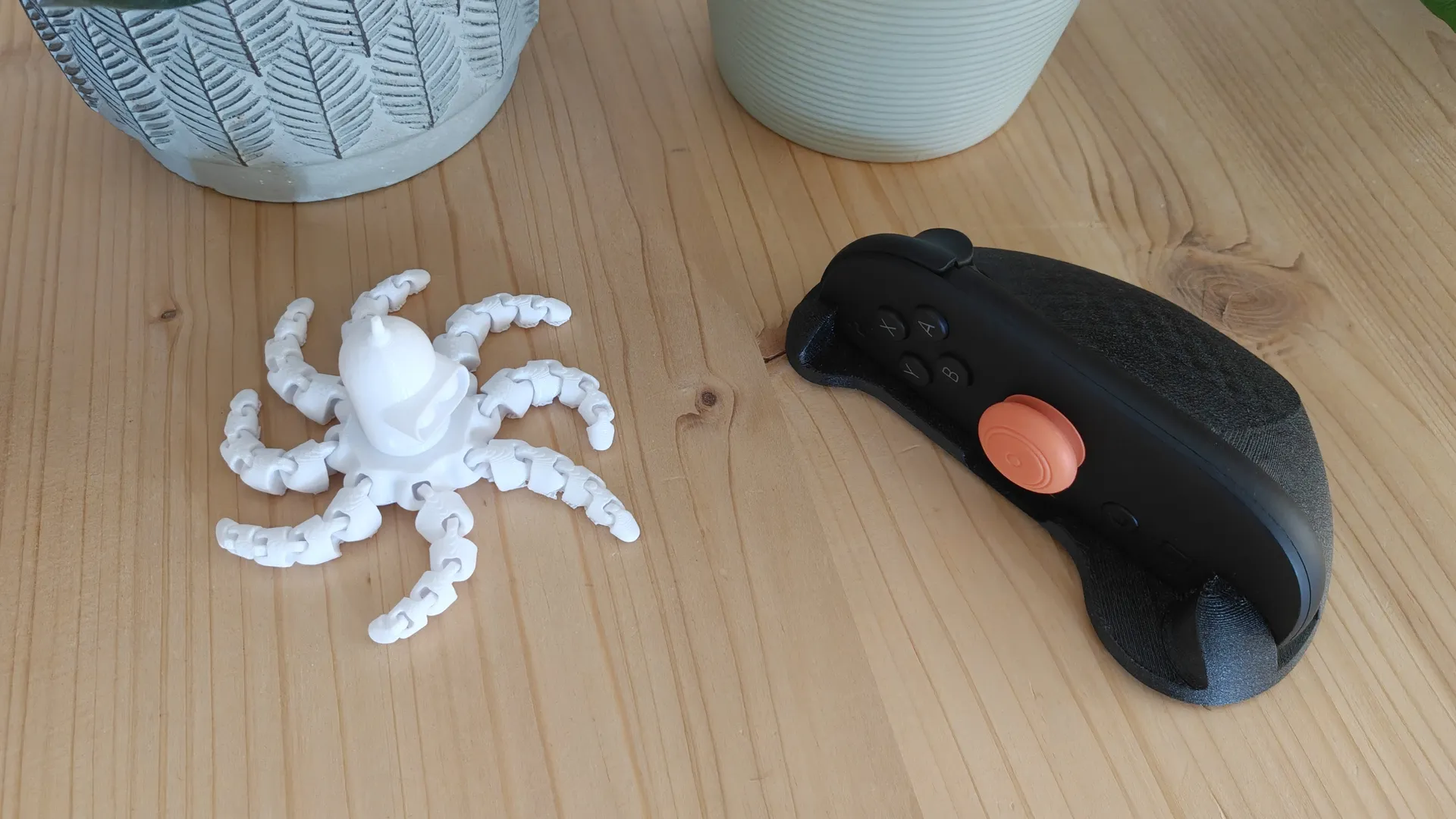
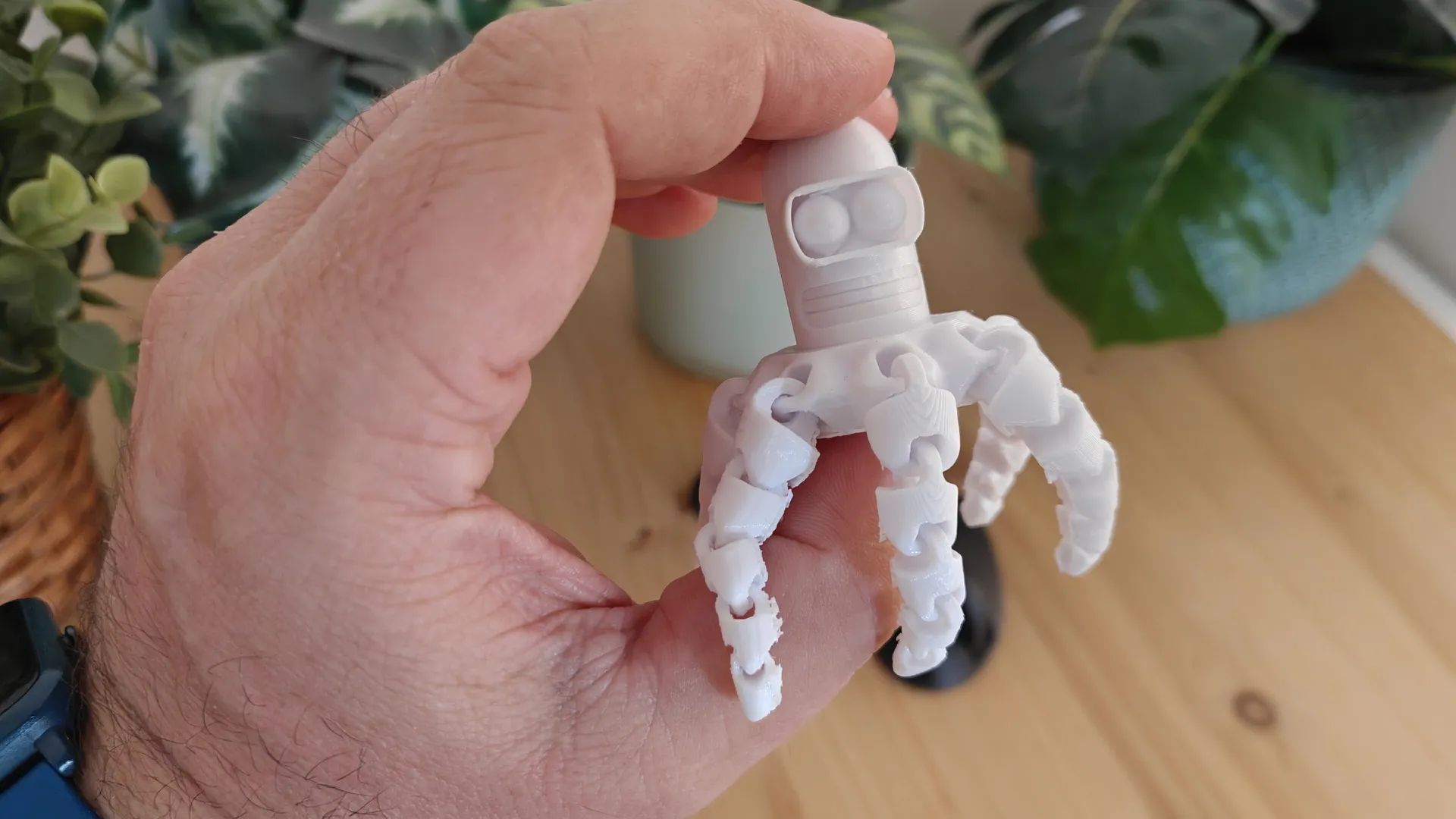
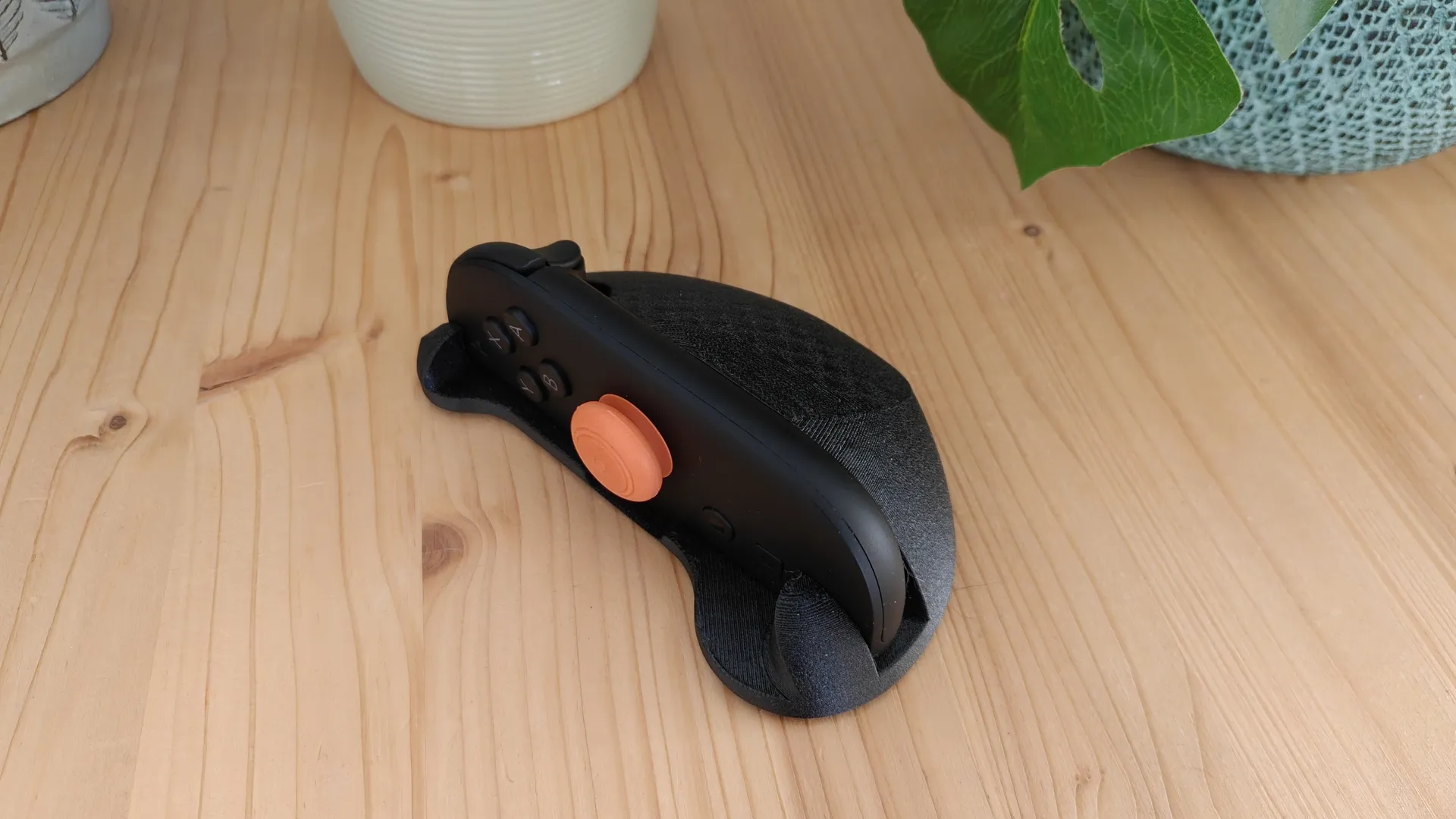
For a technical print, we used carbon-fiber-reinforced PETG to print a Switch 2 mouse-style support model. The successful articulated print demonstrates that this technical material poses no problem for the printer, which handles it without difficulty. We printed the Bender Octopus model in ABS (Acrylonitrile Butadiene Styrene) and also observed that the printer handles this material perfectly with the appropriate nozzle and chamber temperatures.
Temperature and Noise
We examined the thermal performance of the QIDI Plus5 printer; the system heats up normally, and we did not notice any abnormally hot spots on its components. As for noise levels, the printer reaches 48 dB during normal use, making for a fairly positive experience in this regard.

Review Conclusions and Purchase Link
Opinion
This new QIDI Plus5 3D printer is an affordable solution for working with a wide range of engineering materials and offers a generous build volume. This allows us to produce all kinds of 3D parts with different technical characteristics thanks to its heated chamber and specialized components. As we’ve seen in our tests, the print results are all positive and show no issues with surface finish.
Assembly is very straightforward; you simply need to follow the steps outlined in the manual. This machine supports the Poolar Cooler system as an optional accessory, which prevents many issues when printing continuously with PLA. You also have the option to use the QIDI BOX, which allows you to work optimally with four different filaments.
Without a doubt, this new QIDI Plus5 3D printer delivers excellent results thanks to its support for technical materials and high overall efficiency. It’s a recommended system if you’re looking for a quality machine for home use.
Where to buy at the best price
- The QIDI Plus5 is available from QIDI starting at €749, and the Combo option for multifilament with QIDI BOX starts at €899.
- Check out QIDI’s offers for loyal and new members.
Rating
PROS
- Build volume: 320 x 320 x 300 mm
- Support for technical materials
- Fast
- Quiet
- Plug-and-Play system
- Compatible with QIDI BOX multifilament
- Extra Polar Cooler for PLA cooling
CONS
- Firmware and software still being improved
Rating –
