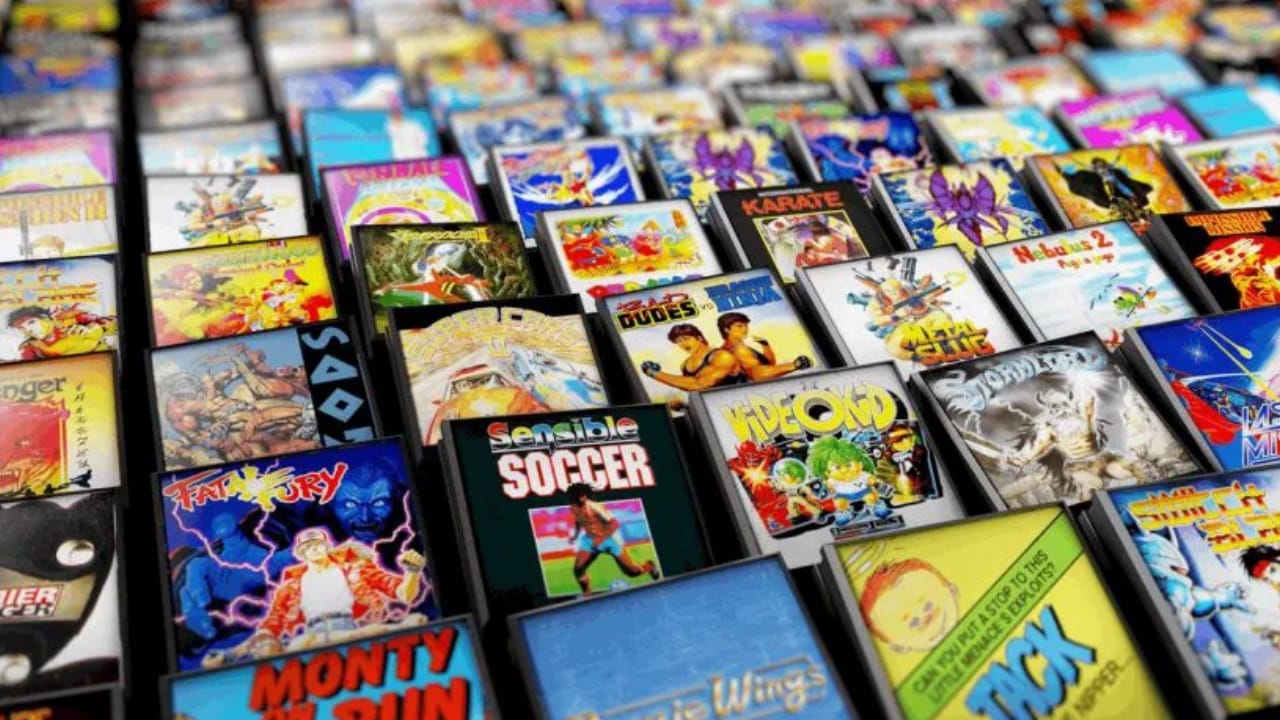
We are going to review in this guide the best Emulators for Android, play consoles, arcade machines, computers and other systems optimally.
In this guide we compile all our knowledge to be able to play emulators on your Smartphone, Tablet, Retro console, Smart TV, Android TV-Box or Fire Stick. Follow the configuration steps and download the necessary apps so you can play all the games you’ve always wanted. Get the rom and extra files in the download links below to complete your system.
|

Android emulators, preparation
To play with the most popular Emulators on our Smartphone or tablet we can simply download the emulator app, download the roms and their games. But playing with the touch screen is quite uncomfortable and inaccurate in many cases, it is advisable to use a physical Gamepad. If we want to save many games we will need to expand the memory with a micro SD possibly.
- Extendable Gamepad like those of Gamesir or similar in Amazon or AliExpress.
- Micro SD cards of quality brands on Amazon or AliExpress from 128 GB to 1 TB.

In case of using a smart TV, Android TV Box or Stick and we do not have touch controls, we will need a Bluetooth Gamepad or similar. Additionally, we could use some extra ones to put the games in extra storage or expand ports to connect peripherals.
- Bluetooth Gamepad like those of EasySMX or similar in Amazon or AliExpress.
- Expand your ports with a USB HUB where to connect a Pendrive or extras on Amazon or AliExpress.

Best Android Emulators
There are different ways to run emulators on Android, we can do it individually by installing each emulator independently per system or use an emulator manager to launch them from a single app.
Individual emulators in Play Store
Some emulators can be downloaded directly from the Play Store. Several have a Pro version where we pay something to help developers. Many other apps are free and have advertising.
- NES = NES.emu
- SNES = SNES9x EX
- N64 = Mupen64Plus FZ
- Dreamcast = Yaba Sanshiro 2 / ReDream
- PSP = PPSSPP
- Arcades and others = See Emulator Managers
Individual emulators from APK
There are other emulators that are not in Play Store and we have to install them from an APK file. The process is simple using a file explorer, you can read more in this tutorial.
- Gamecube / Wii = Dolphin
- WiiU = CEMU
- Swith = Yuzu
- Nintendo DS = MelonDS
- 3DS = Orange Blossom / Citra / Lime3DS
- PS Vita = Vita3K
- PS2 = NetherSX2
- PC Games = Winlator
Tunip Drivers for Adreno GPU
If we have a Qualcomm Snapdragon processor in our mobile or tablet we can get more performance with these drivers for Adreno GPUs. It is advisable to test with each game, if it gives us errors it is better not to use them or try another version.
- Download Tunip drivers for Qualcomm Snapdragon
- Compatible with Yuzu, Vita3K, Dolphin, PPSSPP, Winlator Bionic and others.
Emulator Managers and Launchers
If we prefer to have only one app to manage all the emulators, RetroArch is undoubtedly one of the best applications for Android, it is responsible for downloading the cores of the machines we want to emulate. We can also choose to use the individual emulators and launch them with an app like Daijisho.
- RetroArch: multi-system launcher with emulators for Consoles, Arcades and Computers.
- Daijisho: popular launcher for individual emulators.

Download Games and BIOS
In order to play on our emulators we need the games we want in their ROM or ISO. In addition, some machines may also require their BIOS files for the emulators.