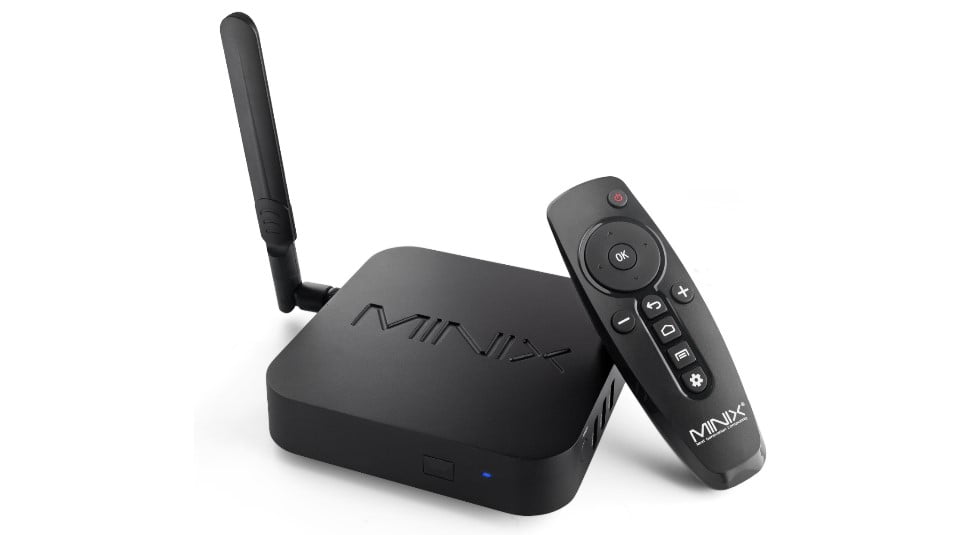
New firmware available for the TV-Box MINIX NEO U22-XJ Smart Box includes the Hexa Core Amlogic S922XJ SoC. This device has 4GB DDR4 and the storage is 32GB eMMc expandable thanks to a microSD card reader that we have on one side if we do not have enough. Regarding wireless connectivity, the MINIX NEO U22-XJ has WiFi 2 × 2 MIMO and Bluetooth 4.2 with external antenna and Bluetooth 4.1. At the interface level we have on the side of the quadrangular box three USB 3.0 Type-A ports and a USB 3.0 Type-C port, while in the rear we have Gigabit Ethernet connector, SPDIF digital audio output, HDMI 2.1 4K @ 60fps and a 3.5mm audio output jack. The system installed is Android 9 with the classic MINIX custom layer that includes as a launcher.
- MINIX NEO U22-XJ can be purchased in advance on Aliexpress.com, Amazon.com, Gearbest.com or Geekbuying.com only for $169.9 (156€) with free shipping.
Update Process
- Download the Firmware / ROM for MINIX NEO U22-XJ with SoC Amlogic S922X-J v003FW
- We recommend using method 1-A of the manual with SD card.
- If we want to update from PC with method 1-B take into account:
– Use the included USB Type-C cable and a USB 2.0 port on our PC if possible.
– In the MCU settings menu, autostart mode must be DEACTIVATED. If we don’t, it will give us an error.
– Use Amlogic Burning Tool version 2.2.0 or higher, available in the manual. - Update the firmware following our Amlogic Update Guide
Changelog
1. VPN now works with Ethernet
2. Added root switch
3. CPU performance boost
4. ES File Explorer removed, X-Plore added [requires factory reset after installing the firmware update]
5. Four rotate screen options (0, 90, 180, 270)
6. Fixed several D-Pad issues
7. Fixed several on-screen keyboard issues
8. Changed Launcher3 background
9. Redesigned F.O.T.A app
10. Updated Google app
—
Known Bugs
We are aware of the following important issues and actively working to resolve them ASAP:
1. Automatic Refresh Rate Switch is missing
2. Certain formats not working correctly via HD audio pass-through
3. SAMBA